OnlineOrNot updates from February 2026

Max Rozen / Published: March 03, 2026
February was all about making OnlineOrNot better for dev teams. I shipped audit logs for teams, added support for two-factor authentication and passkeys, unified the webhooks system across uptime checks, heartbeats, and status pages, and made it possible to connect multiple Discord channels.
Table of contents
What's new
Features for the platform
Audit logs
If you're on a team, at some point someone's going to change a check or update a status page and nobody will remember who did it, or when. You end up asking around in Slack, or worse, guessing.
OnlineOrNot now has an audit log. Every action taken in your organisation is logged: who did it, what they did, when, and from where. Creating checks, updating status pages, deleting maintenance windows, inviting team members - it's all there.
Each entry shows the actor (user or API token), the action performed, the IP address and location, and a timestamp. If the action had extra context (like which fields changed), you can expand the row to see the full metadata.
You'll find the audit log in the sidebar. It's paginated, so even if your team is busy, it stays fast.
The audit log also works through the REST API, so you can pull events programmatically if you need to feed them into your own logging pipeline or compliance tooling.
Two-factor authentication and passkeys
OnlineOrNot accounts have always been secured with email-based one-time passwords. Not great when your email service is down in the middle of an incident.
As of February 16th, OnlineOrNot supports two-factor authentication (2FA) using authenticator apps like 1Password, Authy, or Google Authenticator. You can enable it from your account settings: if your account has a password, scan the QR code with your authenticator app, and you're done. You'll also get backup codes in case you lose access to your authenticator.
On top of that, you can now register passkeys for your account. Passkeys let you log in with your fingerprint, face, or a hardware security key instead of typing a password. If you've used passkeys with GitHub or Google, it's the same idea. There's a "Login with passkey" button on the login page, and you can manage your passkeys in account settings.
Both features are optional. If you're happy with email-based login, nothing changes on your end.
Webhooks API and custom API token expiry
You've been able to create webhooks in the dashboard for a while now, but a few folks have asked about managing them through the API. Maybe you're spinning up new environments and don't want to click through the UI each time, or you'd rather have your webhooks defined alongside the rest of your infrastructure.
So I've added webhook management to the REST API. You can now list, create, update, and delete webhooks programmatically. Each webhook can subscribe to status page incident events (started, updated, resolved) and be scoped to specific status pages. You'll find the details in the API docs.
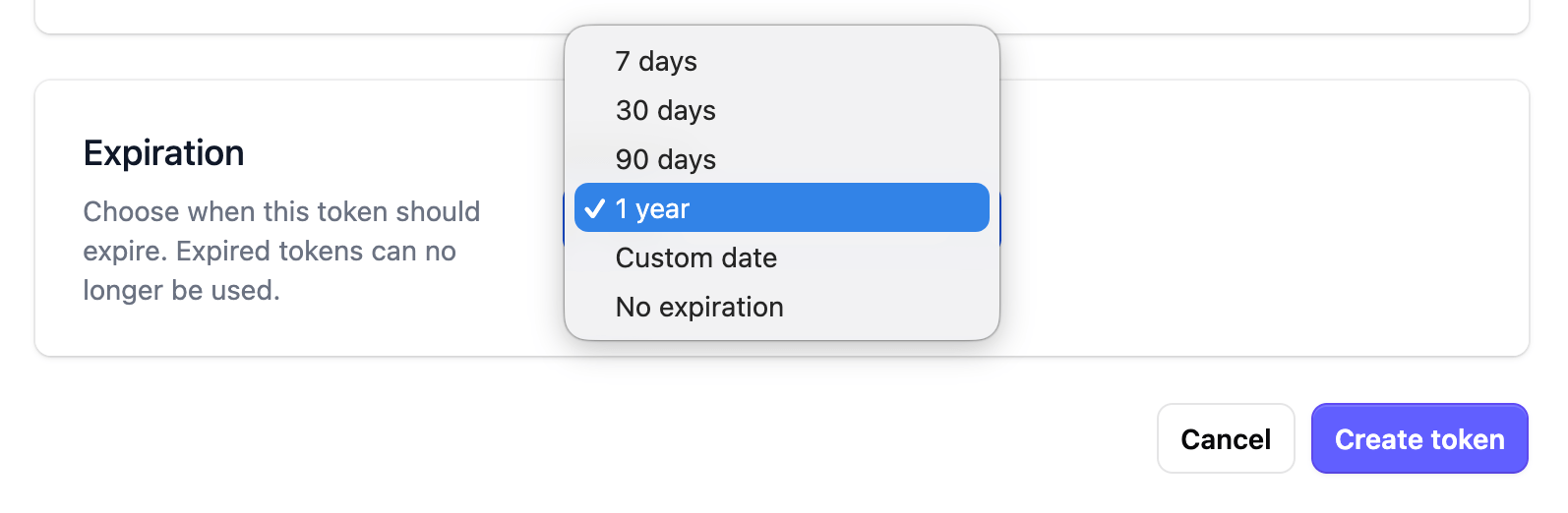
While I was in there, I also added customisable API token expiry. You can now pick an expiration date when creating API tokens - handy for CI tokens or anything you'd rather not have floating around forever.
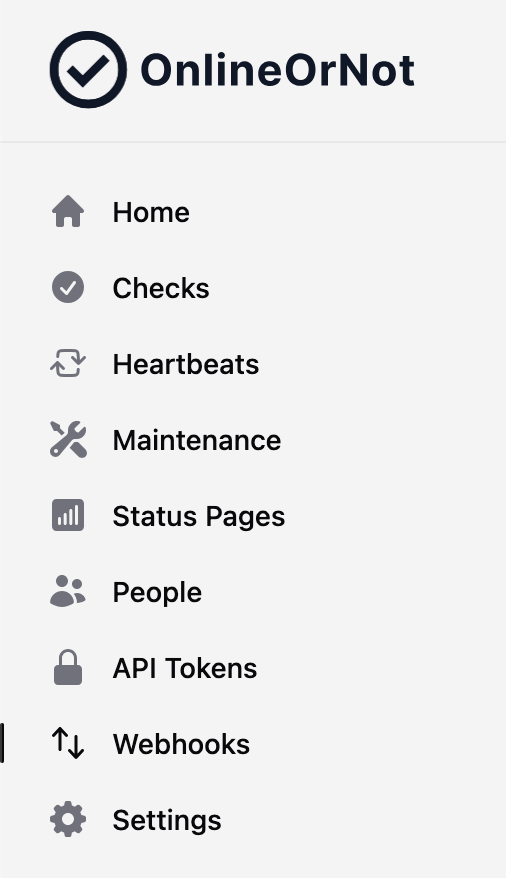
Both API tokens and Webhooks also have their own section in the sidebar now, which should make them easier to find.
Features for Checks
Unified webhooks
When I first added webhooks to OnlineOrNot, they only worked with status page incidents. Uptime checks and heartbeats had their own separate webhook alert system tucked away in the integrations settings, which meant you had to configure things in two different places.
I've now unified this. The webhooks you create in the Webhooks page can be attached to uptime checks, heartbeats, and status pages all in one place. You pick which events you care about (uptime.down, uptime.up, heartbeat.down, heartbeat.up, plus the existing status page incident events), and which resources should trigger them.
If you had generic webhooks configured before, they've been automatically migrated over. Your existing webhook URLs, check associations, and heartbeat associations are all there. The payload format hasn't changed either, so anything receiving your webhooks will keep working.
On-call integrations like PagerDuty, Opsgenie, Grafana OnCall, and Spike now live under Settings > Integrations > On-call.
Multiple Discord channels
Up until now, you could only connect one Discord channel to OnlineOrNot. If you wanted alerts in different channels for different checks, you were out of luck.
This worked fine for smaller teams, but once you start shipping a bit, having a single channel for all of your services' alerts starts to get noisy.
You can now connect multiple Discord channels, and pick which ones should receive alerts for each uptime check and heartbeat. The flow is the same as before: click "Add to Discord", authorize in Discord, and give your integration a name so you can tell them apart later.
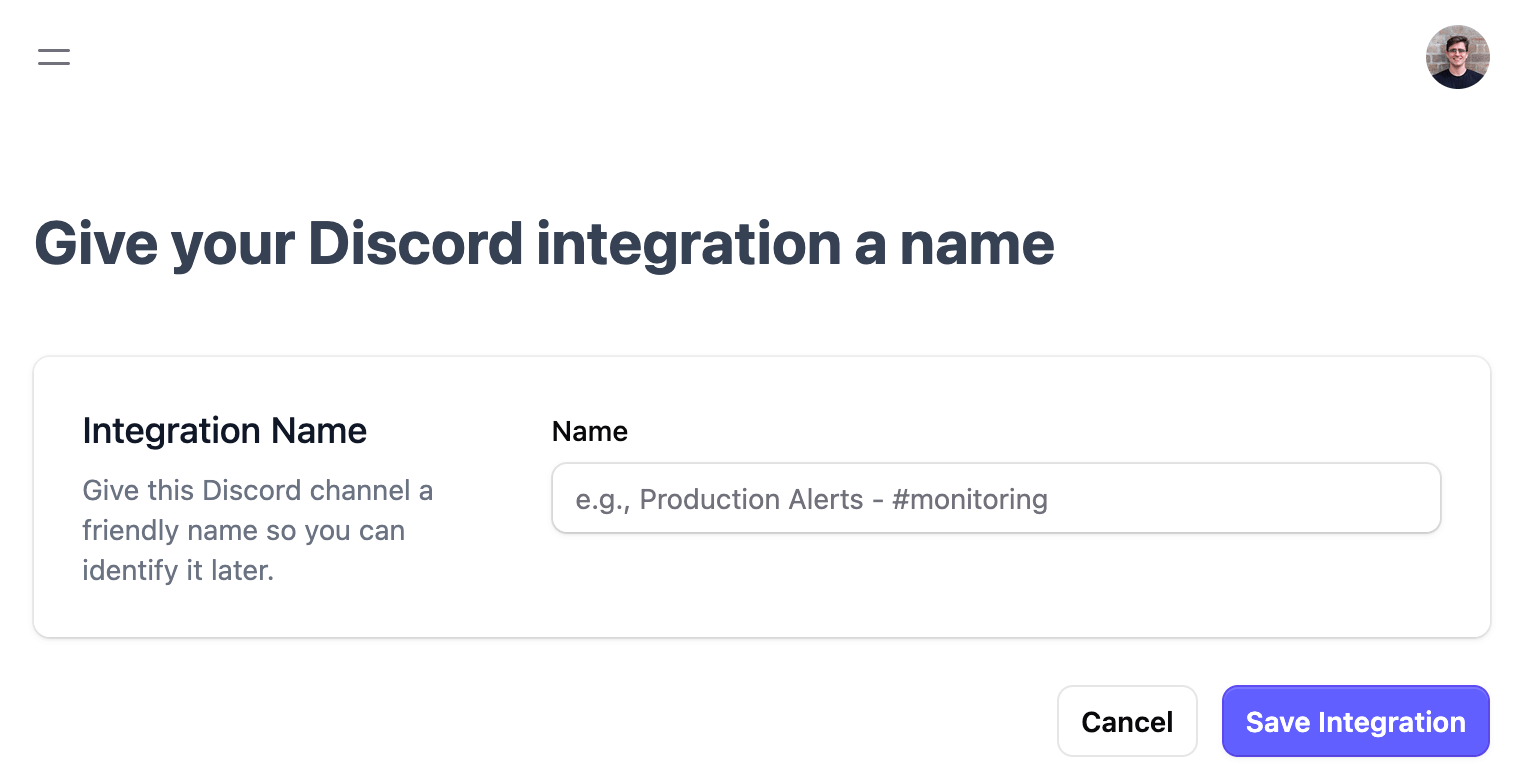
If you already had a Discord integration set up, nothing changes on your end. Your existing checks will keep alerting to the same channel. You can add more channels whenever you need them.