Alerts
Configure alert timezone
OnlineOrNot lets you select a timezone for email alerts. This ensures timestamps in alerts are easy to read without manual conversion.
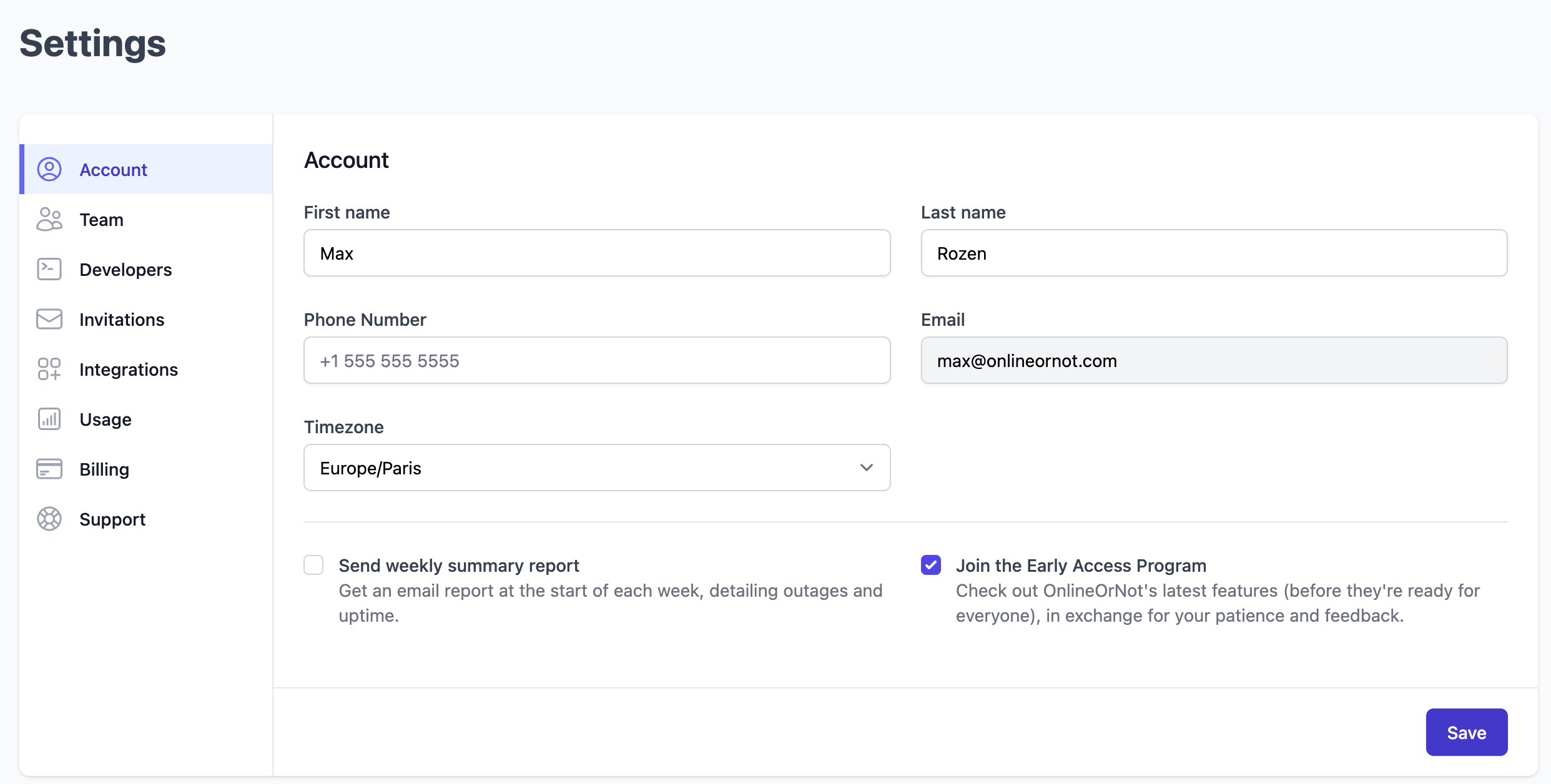
Update your timezone
- Click into your account settings
- Select your timezone from the dropdown
- Click Save
This is especially useful for teams with members in different timezones.