Uptime Monitoring
Search for text on pages
OnlineOrNot can verify that specific text appears on your page. This catches cases where your server returns HTTP 200 but displays an error page.
For server-rendered pages (WordPress, etc.)
When creating or editing an uptime check, use the "Text to search for (optional, case-sensitive)" field:
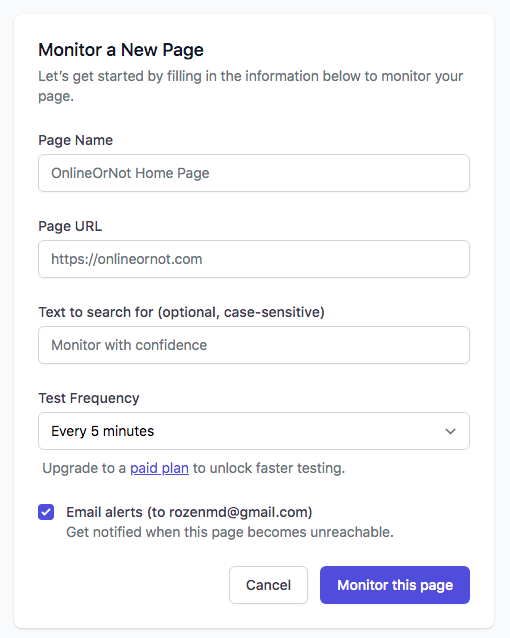
Important: OnlineOrNot checks the raw HTML, not the rendered text. Inspect the HTML to find the exact text.
For JavaScript-rendered pages (React, Vue, etc.)
Regular uptime checks can't render JavaScript. Use a Browser Check instead:
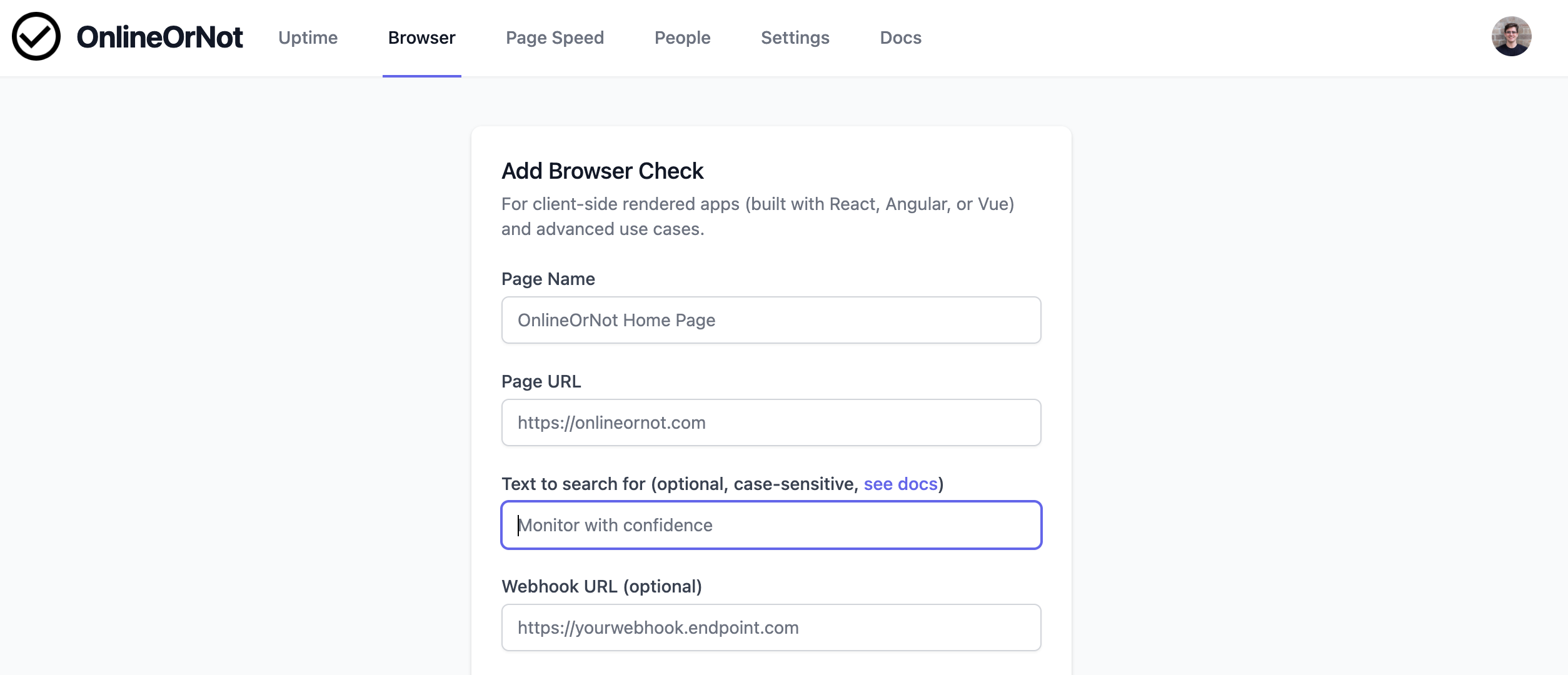
Browser Checks render the page in a real browser before searching for text.
How to find the correct text
-
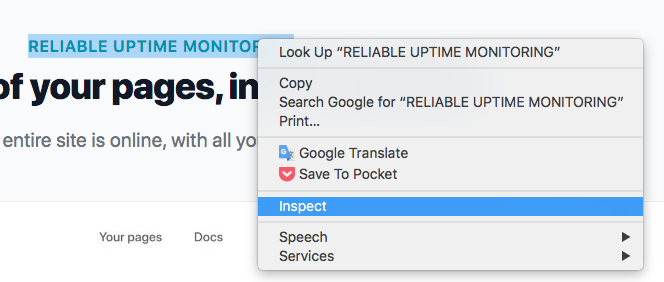
Right-click on the text in your browser
-
Click "Inspect"
-
The text in HTML may differ from what's displayed (e.g., different capitalization):

Use the value from the HTML, not what you see on screen.