Uptime Monitoring
Create an uptime check
Navigate to the Uptime dashboard, then click the Add Uptime Check button.
Enter the URL you want to monitor:
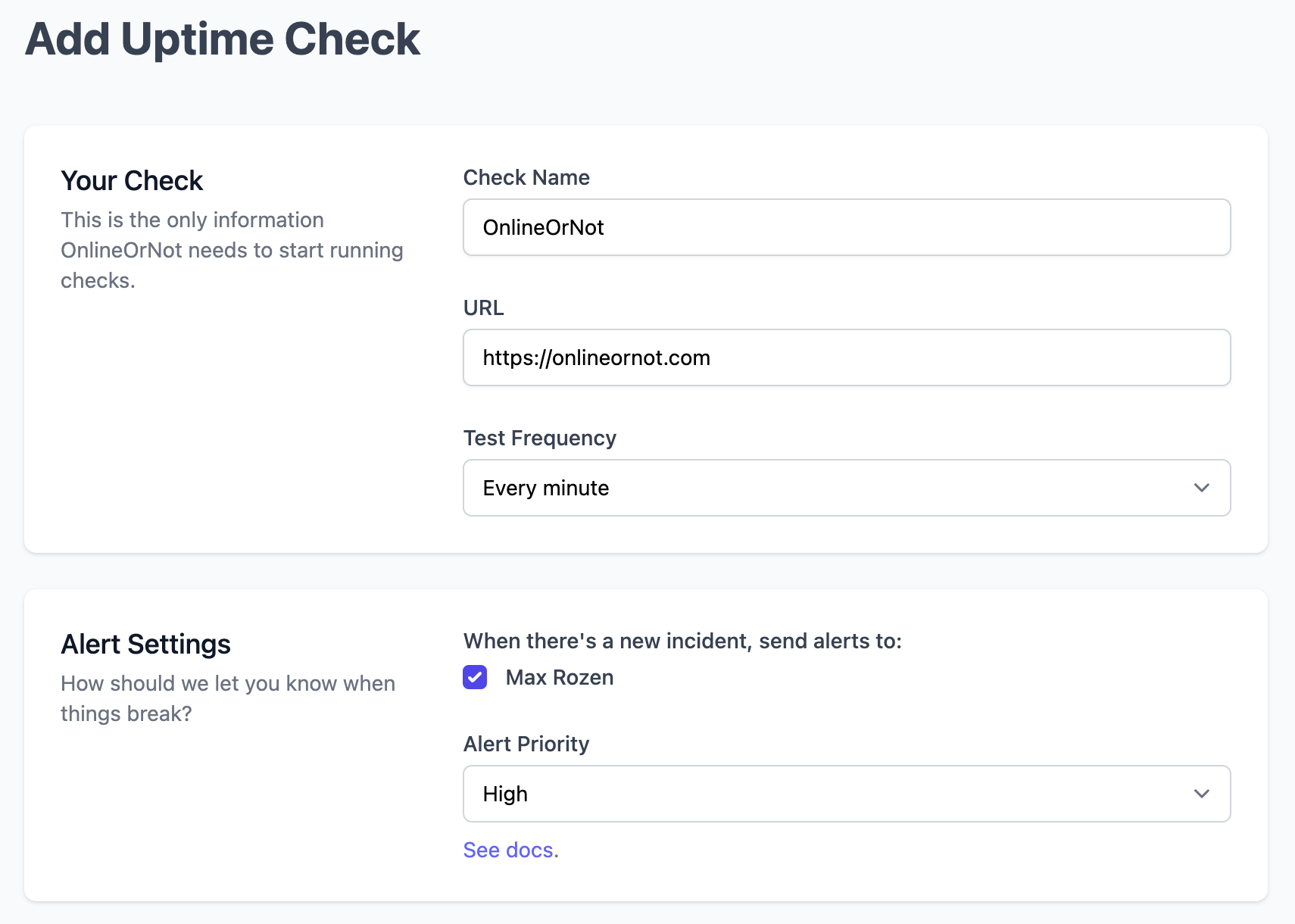
Click Save. Your check will display a status of "PENDING" until OnlineOrNot runs your first check.
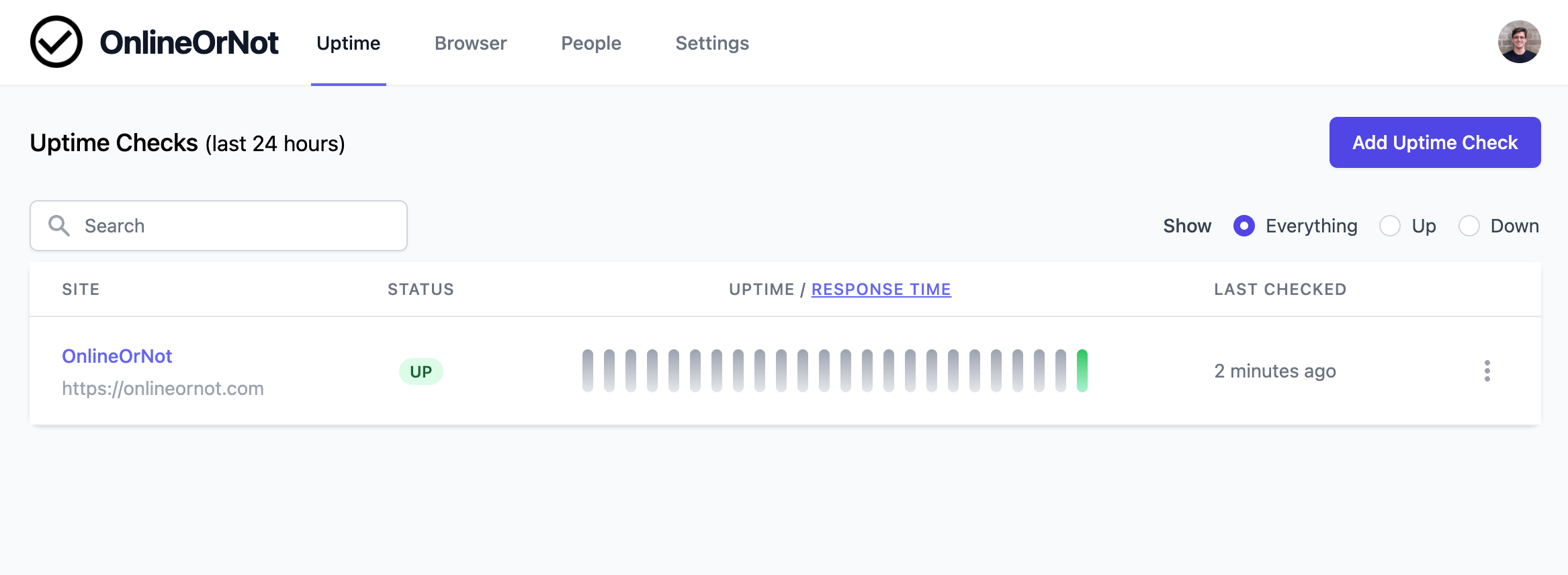
Once you see the "UP" status, your monitor is working:
Troubleshooting false positives
If OnlineOrNot reports your check is "DOWN" when the page is actually up, you may be experiencing a false positive.
Common causes include:
- Firewall blocking our User Agent
- Cloudflare Bot Fight Mode
- Rate limiting
Contact us via the feedback button in the product if you need help.