Status Pages
Use a custom domain
This is a feature of Paid Plans.
Serve your status page from your own domain, like status.yourdomain.com:
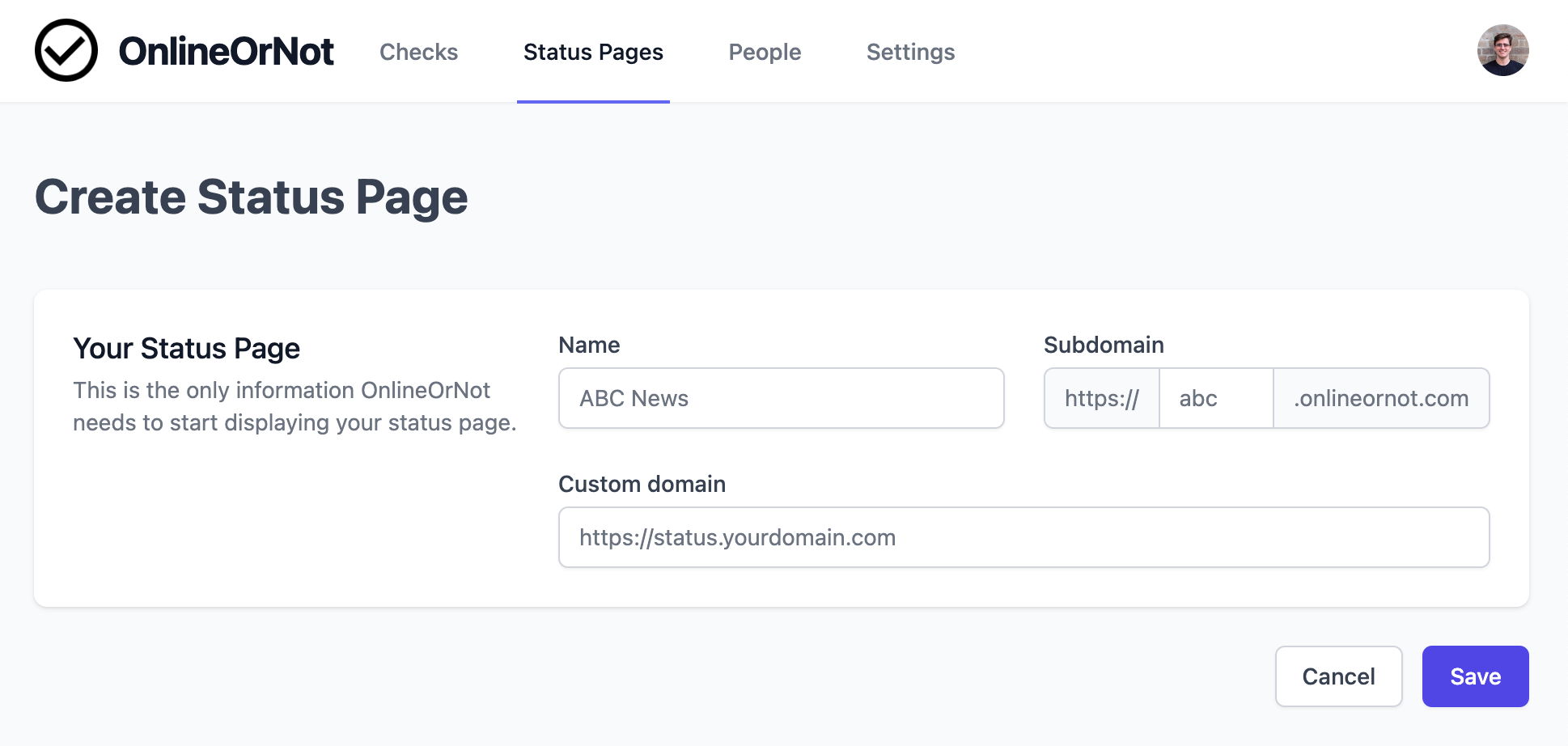
Note: Only subdomains are supported. status.yourdomain.com works, but yourdomain.com/status does not.
OnlineOrNot setup
Add your custom domain when creating a new status page, or in the status page settings for an existing page.
DNS setup
-
Log in to your DNS provider (AWS Route 53, Cloudflare, etc.)
-
Add a CNAME record:
Name Target TTL statuscname.onlineornot.comAutoordefault -
Your status page is now available at
https://status.yourdomain.com
Trial accounts
You can add custom domains during your trial. If you don't upgrade to a paid plan, OnlineOrNot will stop serving the custom domain when your trial ends.