Uptime Monitoring
Verify SSL certificates
OnlineOrNot can alert you when your site's SSL certificate is invalid or expired.
Enable SSL verification
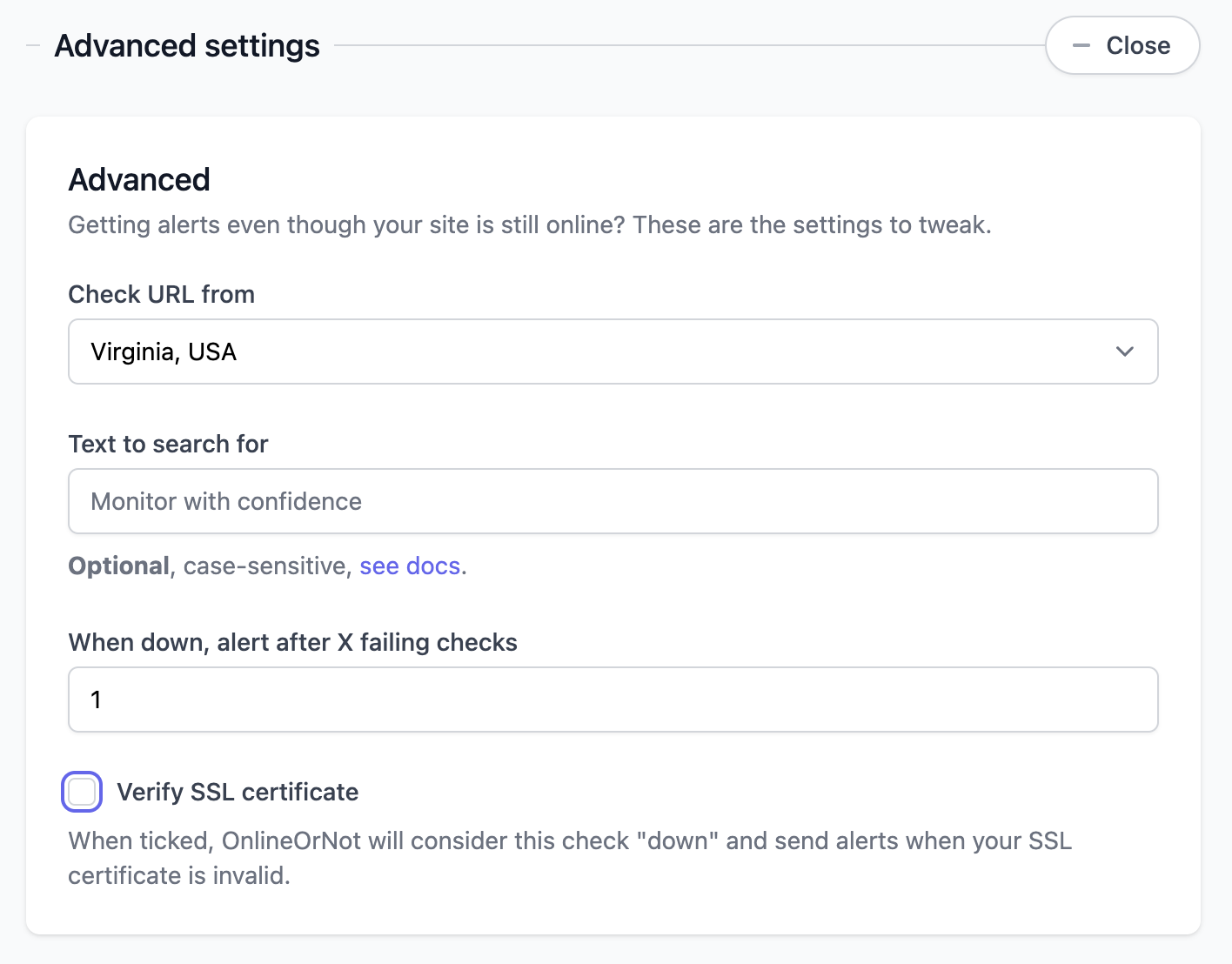
When creating or editing an uptime check, expand "Advanced settings" and tick "Verify SSL certificate":
How it works
When enabled, OnlineOrNot will mark your check as "DOWN" if:
- The SSL certificate is expired
- The certificate doesn't match the domain
- The certificate chain is invalid
You'll receive an alert like this: