Status Pages
Subscribe to status page updates
Visitors to your status page can subscribe to receive email notifications when incidents are created, updated, or resolved.
Subscribe to a status page
-
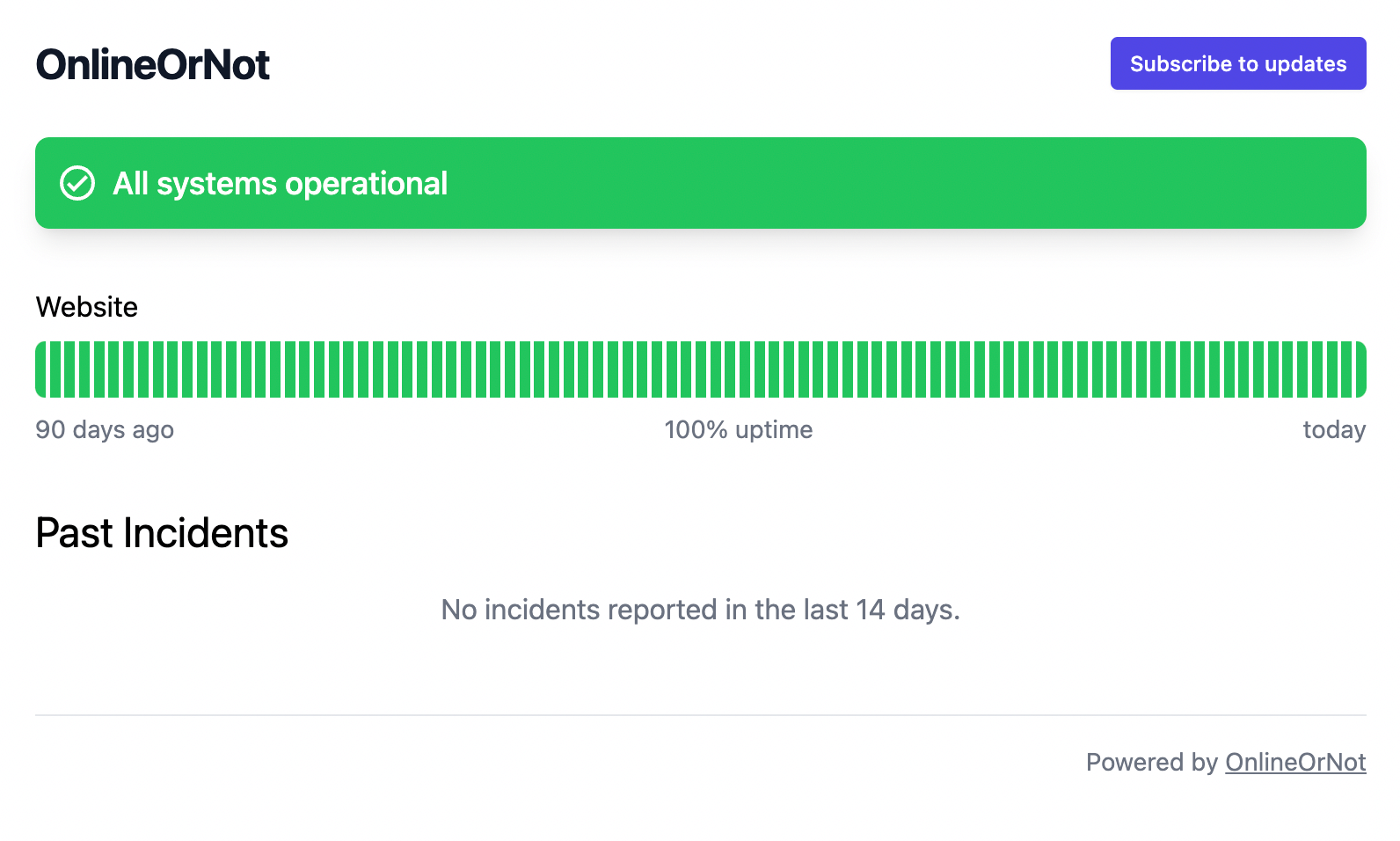
Visit the status page (e.g., status.onlineornot.com)
-
Click Subscribe to updates
-
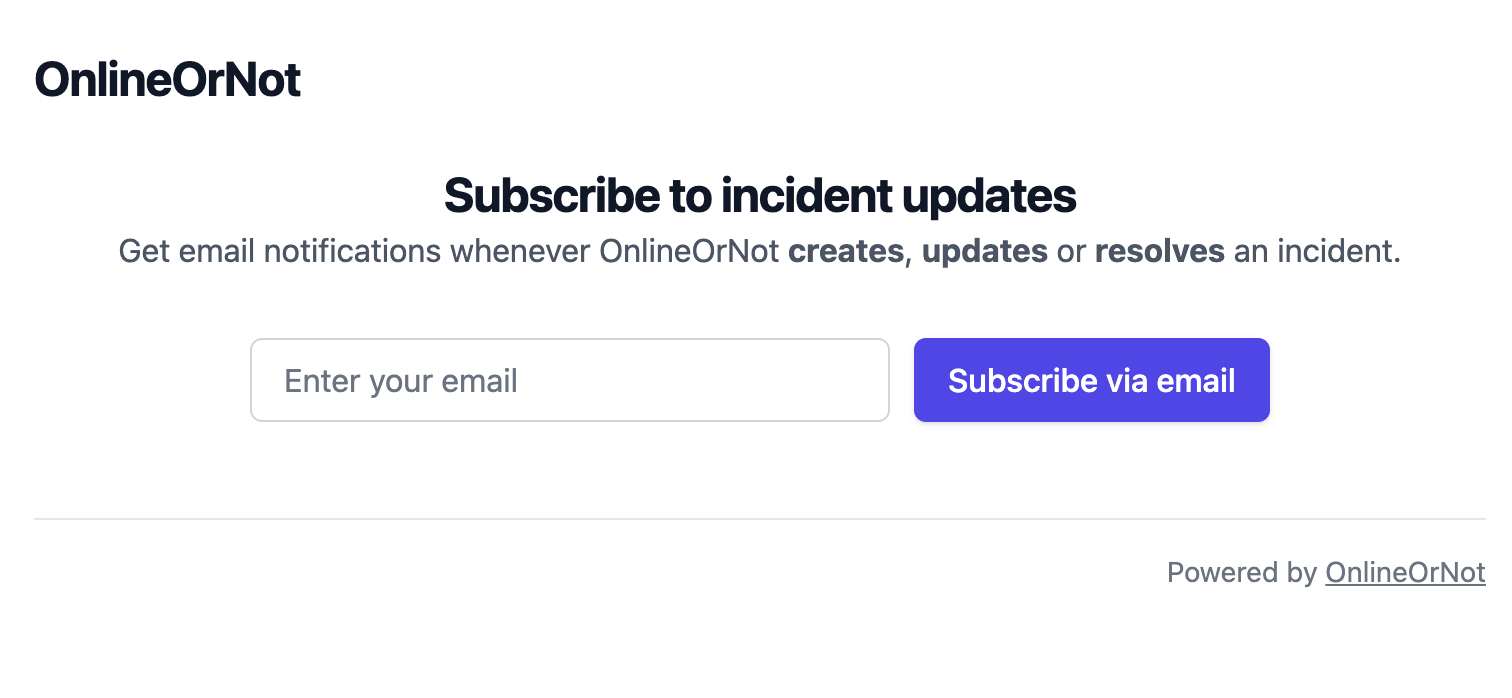
Enter your email address
-
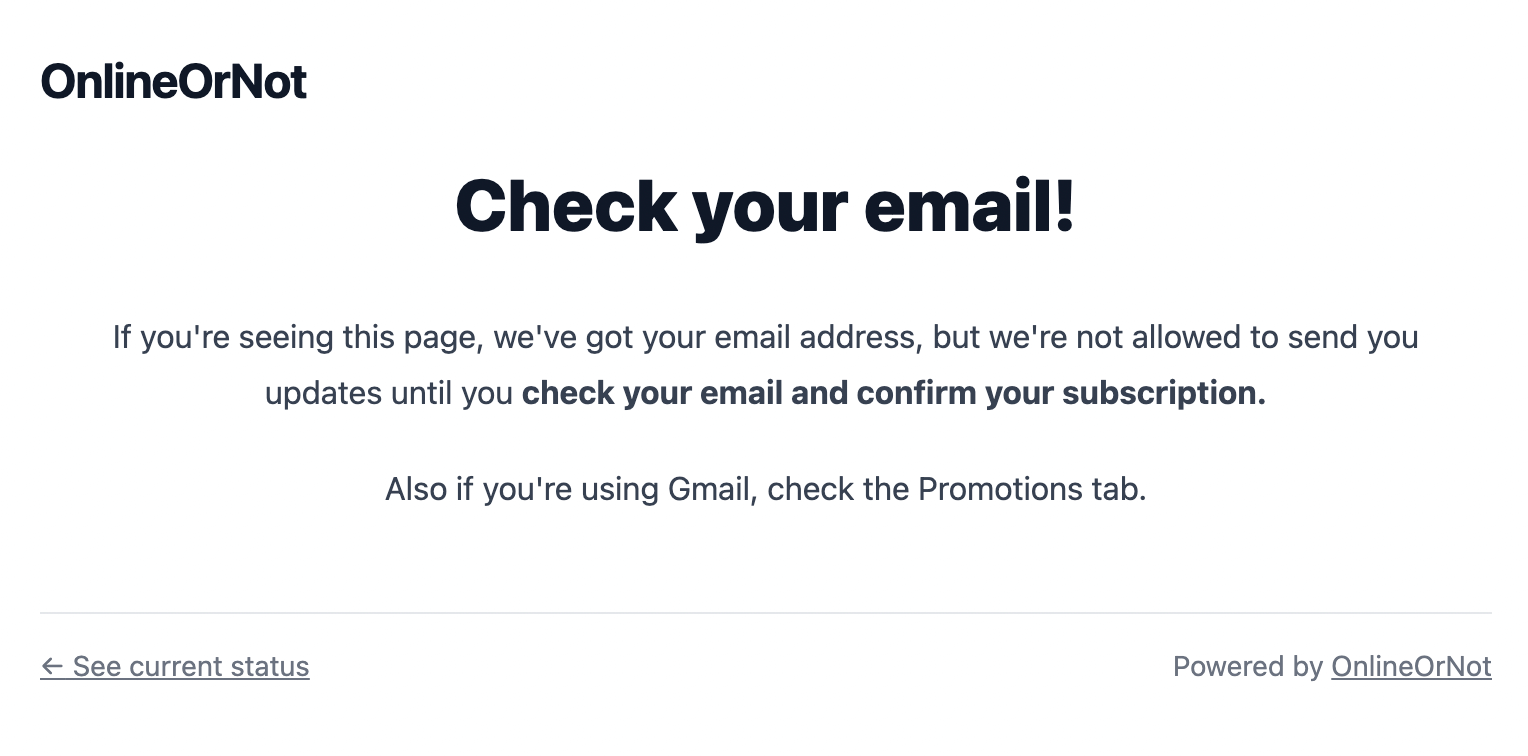
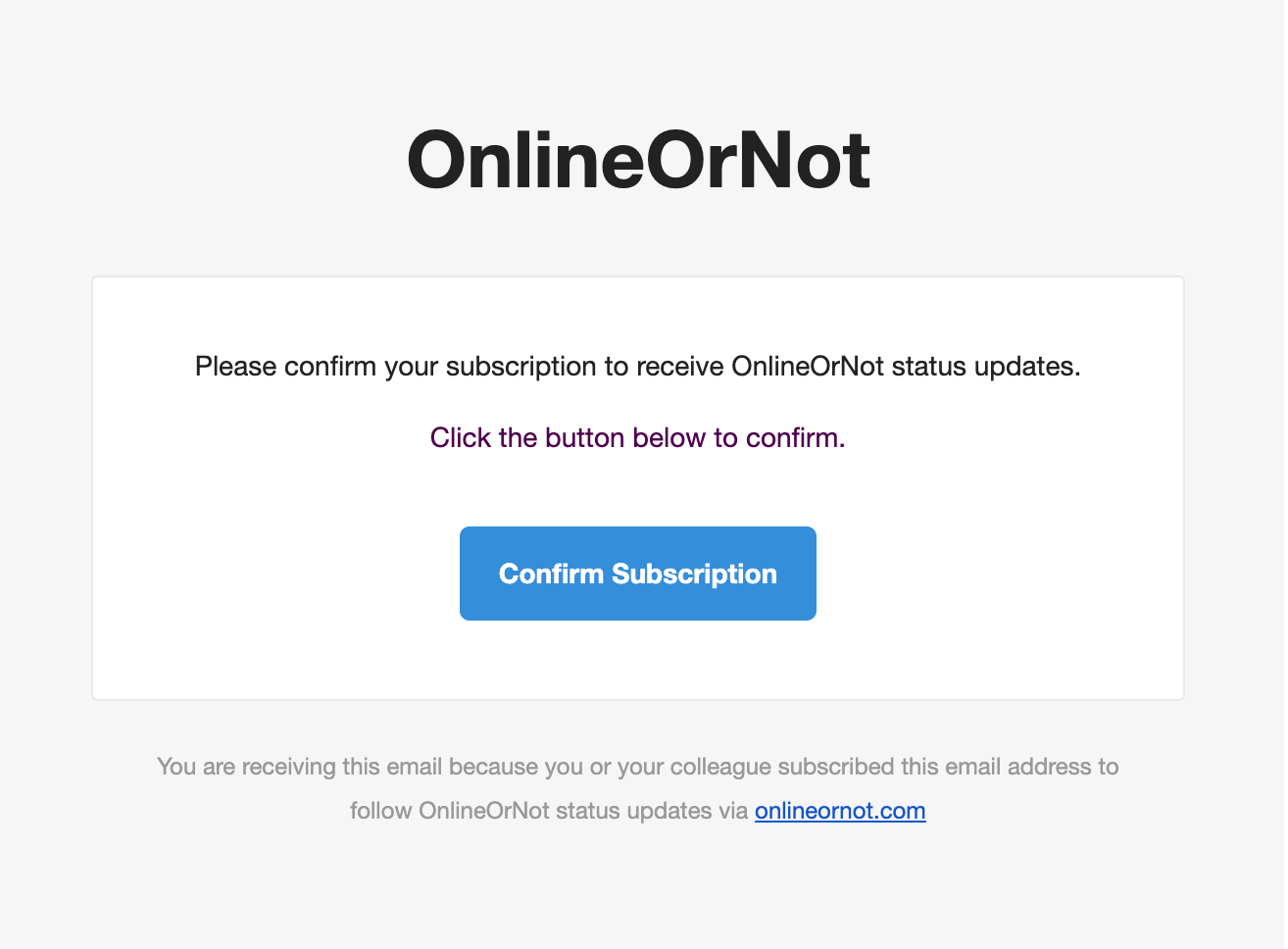
Confirm by clicking the link in the confirmation email
-
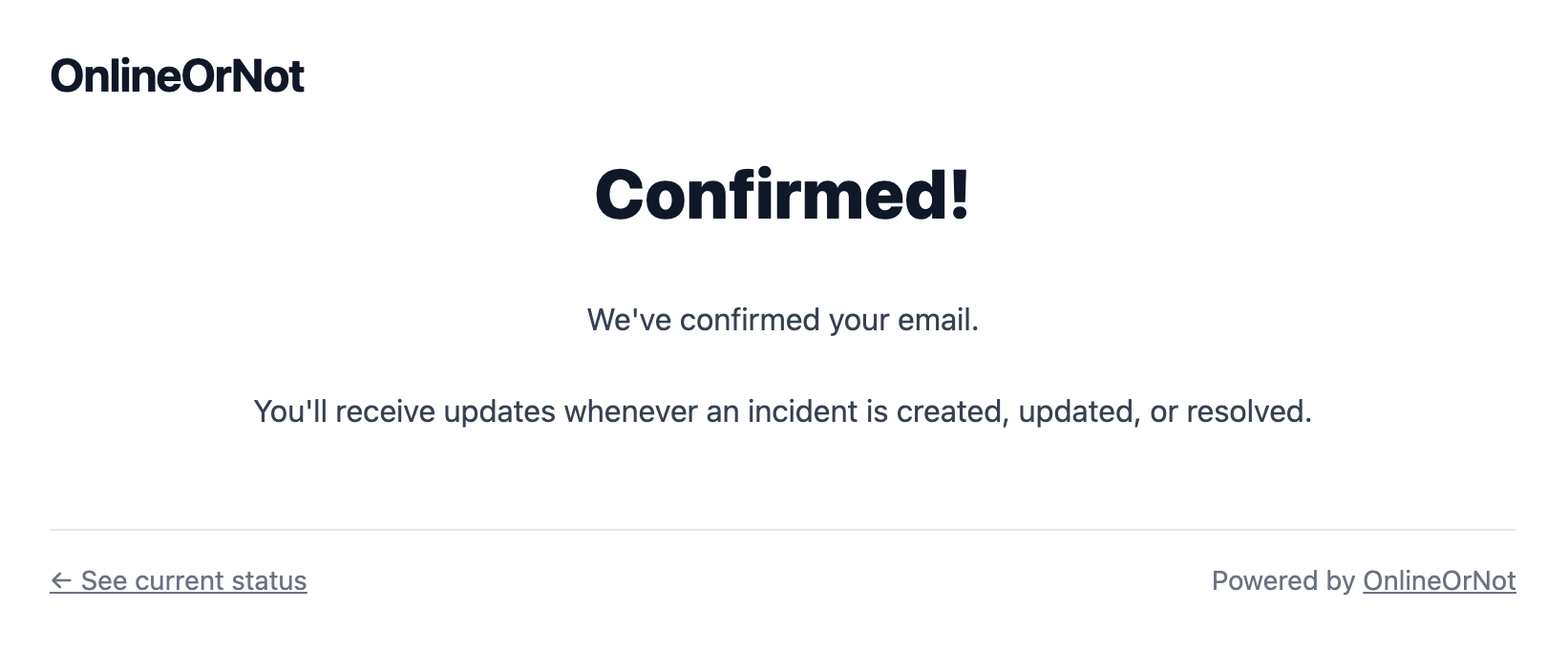
Done! You'll now receive status updates