Status Pages
Link uptime monitoring to your status page
Link uptime checks to components so incidents are automatically created when checks fail and resolved when they recover.
Link an OnlineOrNot check
-
Click Status Pages in the top menu
-
Click on your status page
-
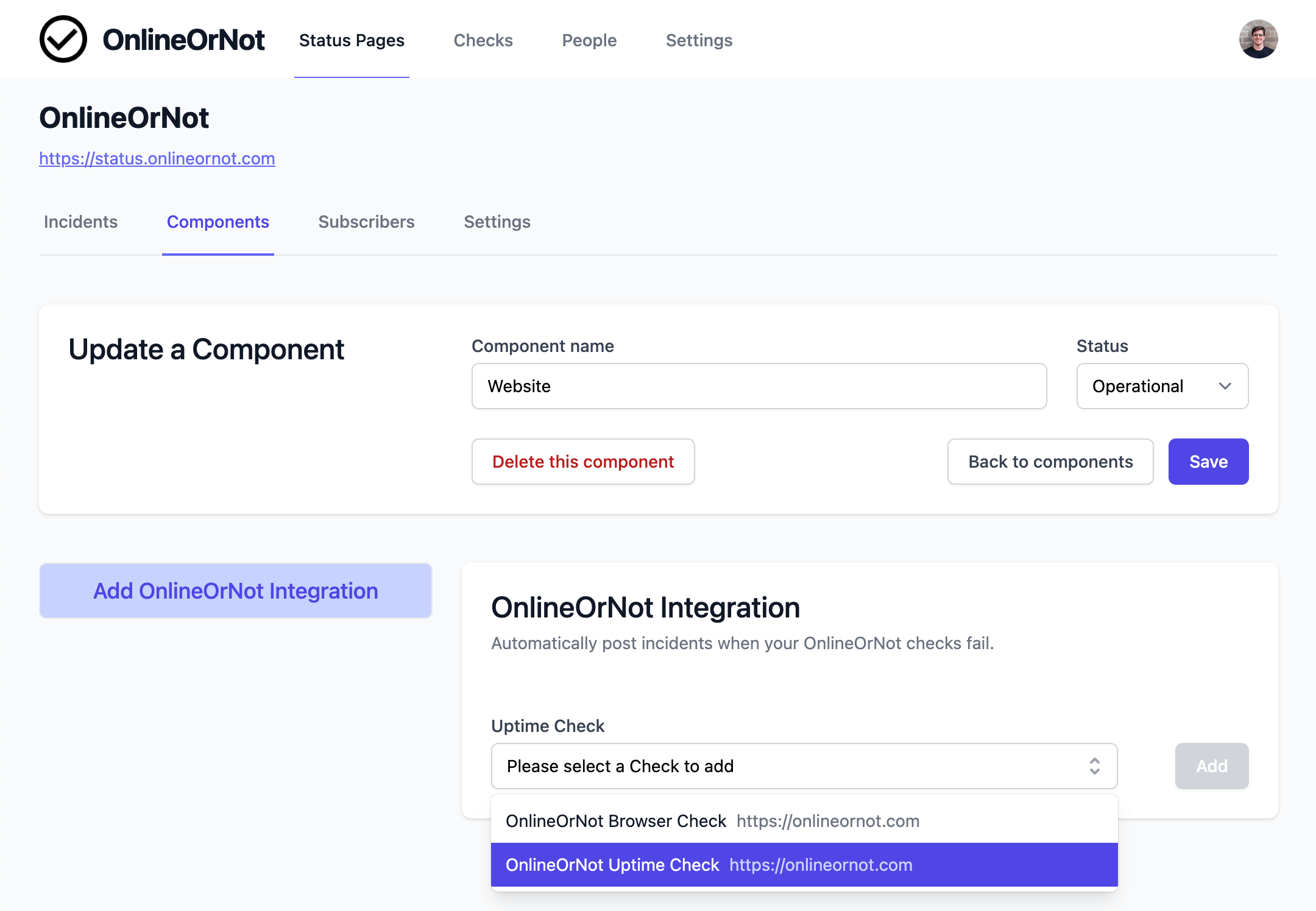
Click Components in the secondary menu
-
Select the check to link
-
Click Add
Incidents will now be created and resolved automatically.
Reduce micro-outage noise
To avoid brief network issues creating incidents, increase your check's confirmation and recovery period.
Link checks from other providers
You can also link uptime checks from: