Status Pages
Customize logo and favicon
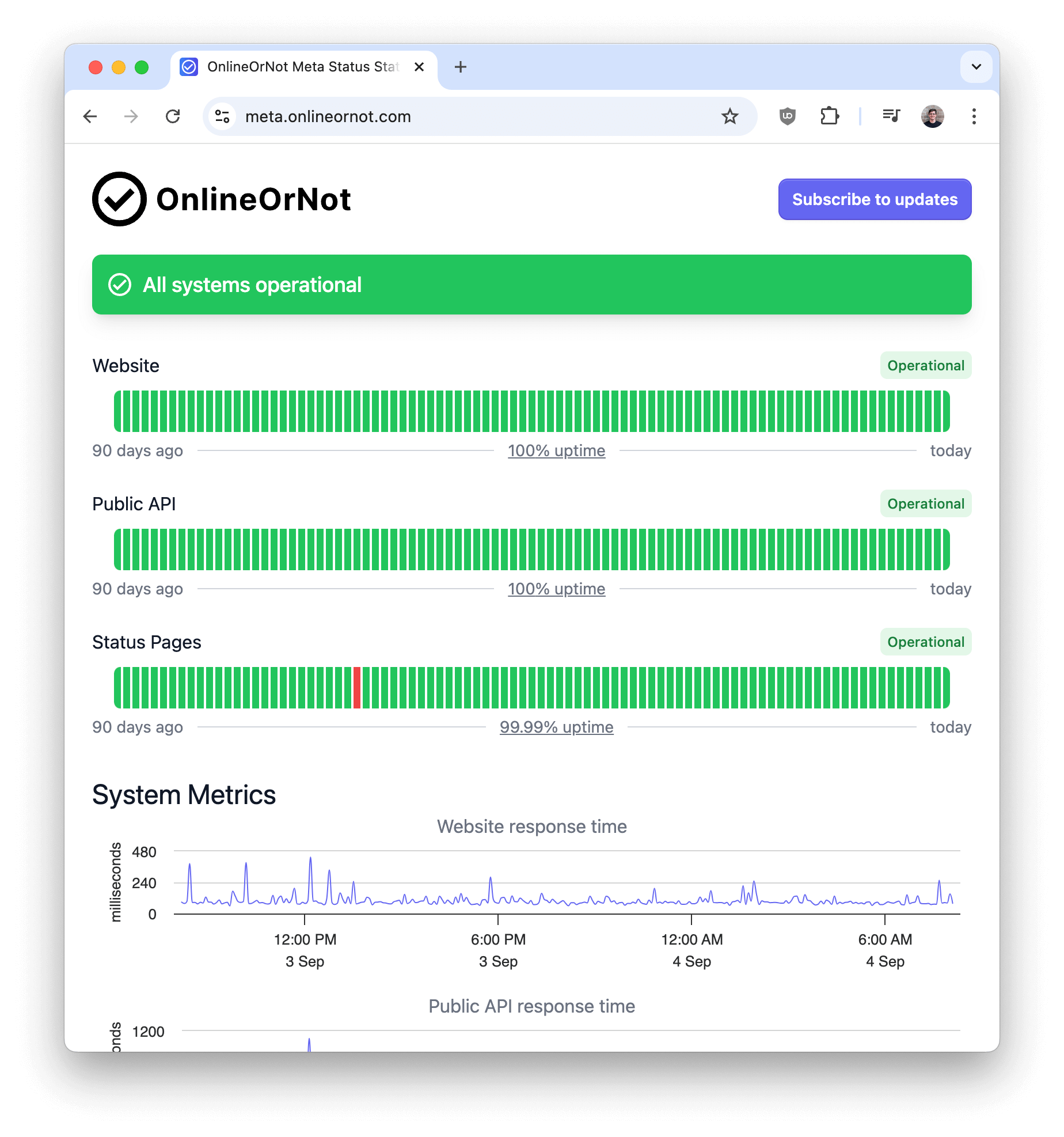
Add your company's logo (for light and dark mode) and favicon to your status page:
Setup
-
Prepare your logo for light mode, dark mode (SVG preferred), and your favicon
-
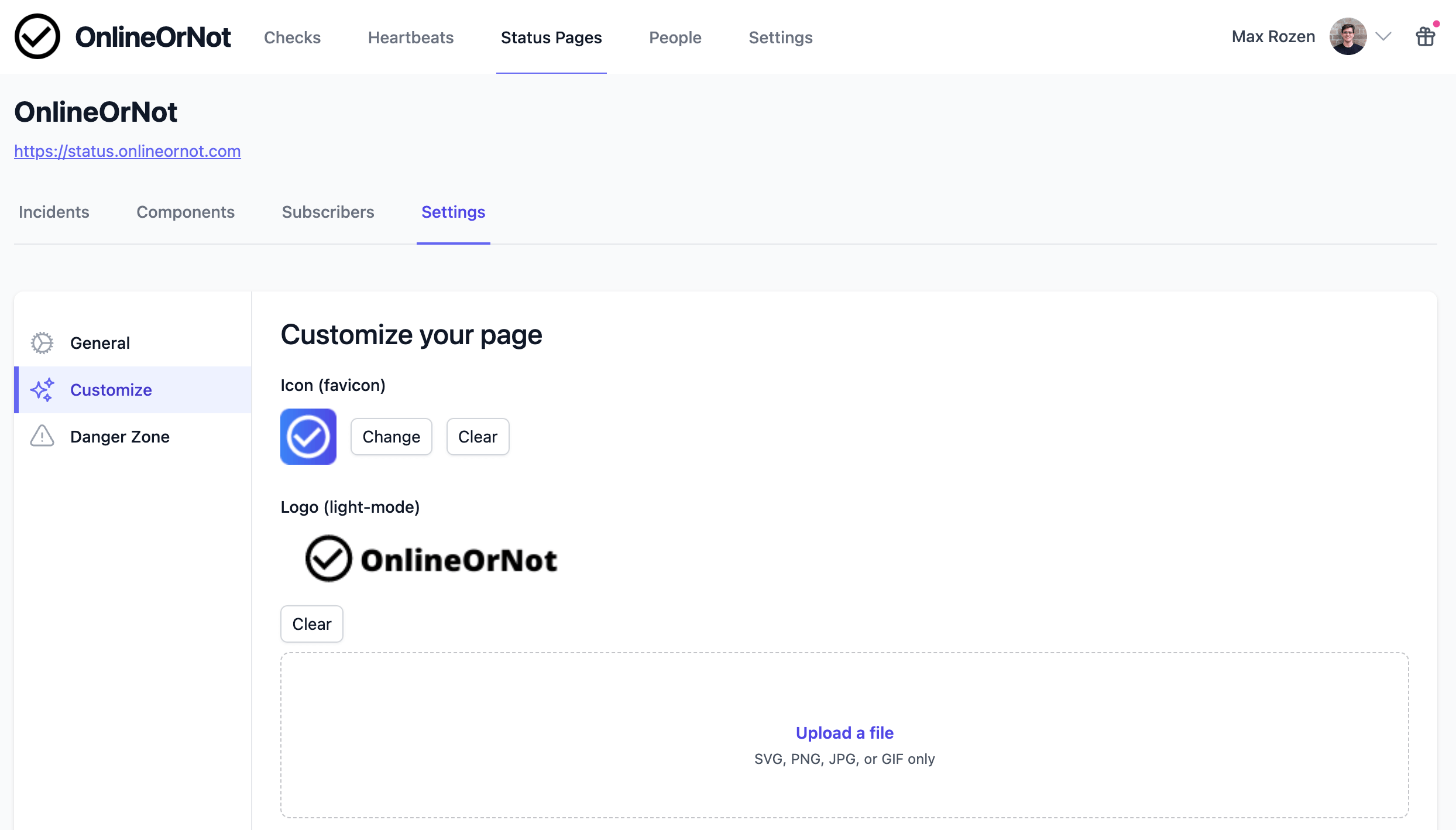
Go to your status page's Settings tab
-
Click Customize in the sidebar
-
Upload your files
-
Changes appear on your status page within about one minute