Status Pages
Make a status page private
This is a feature of Paid Plans.
Password-protect your status page to restrict access to your team.
Set a password
-
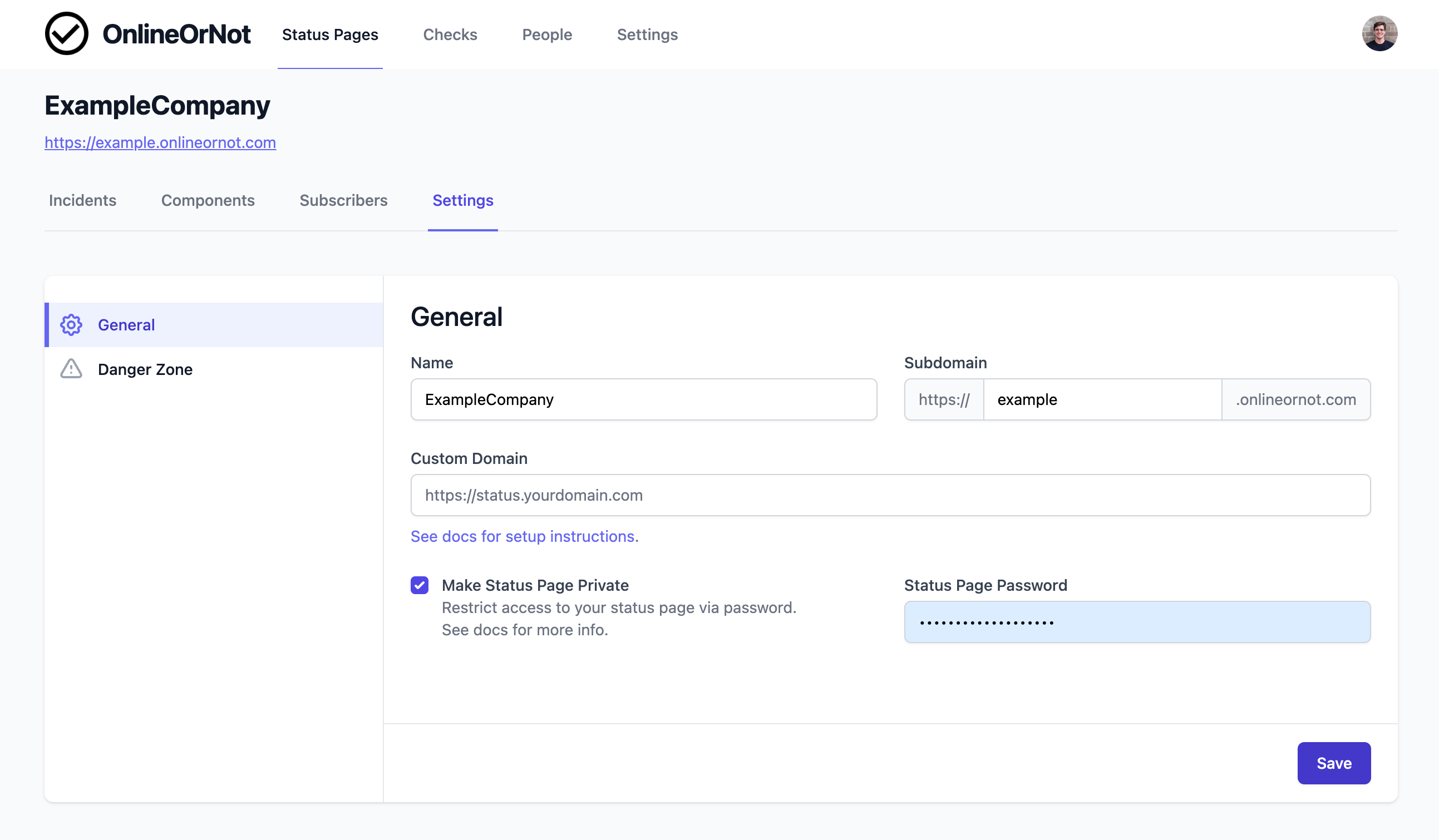
Click Status Pages in the top menu
-
Click on your status page
-
Click Settings in the secondary menu
-
Tick Make Status Page Private
-
Enter a password
-
Click Save
Note: Password changes can take up to 60 seconds to take effect.
The login screen
Visitors will see a login screen:
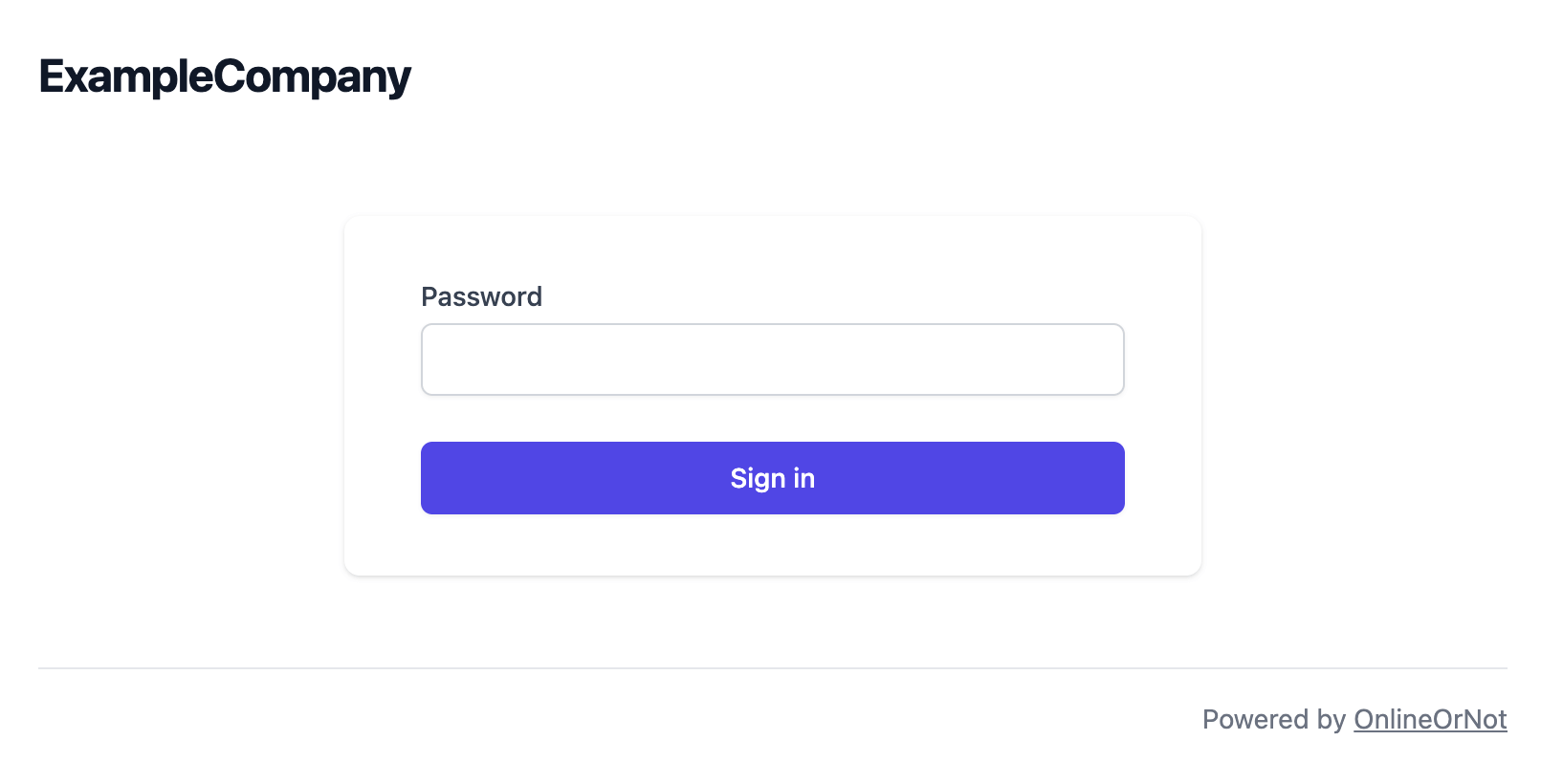
They cannot view the status page, subscribe to updates, or see incidents without entering the password.