Status Pages
Report an incident
After creating your status page, you can manually report incidents.
For automatic incident reporting, link your uptime monitoring.
Create an incident
-
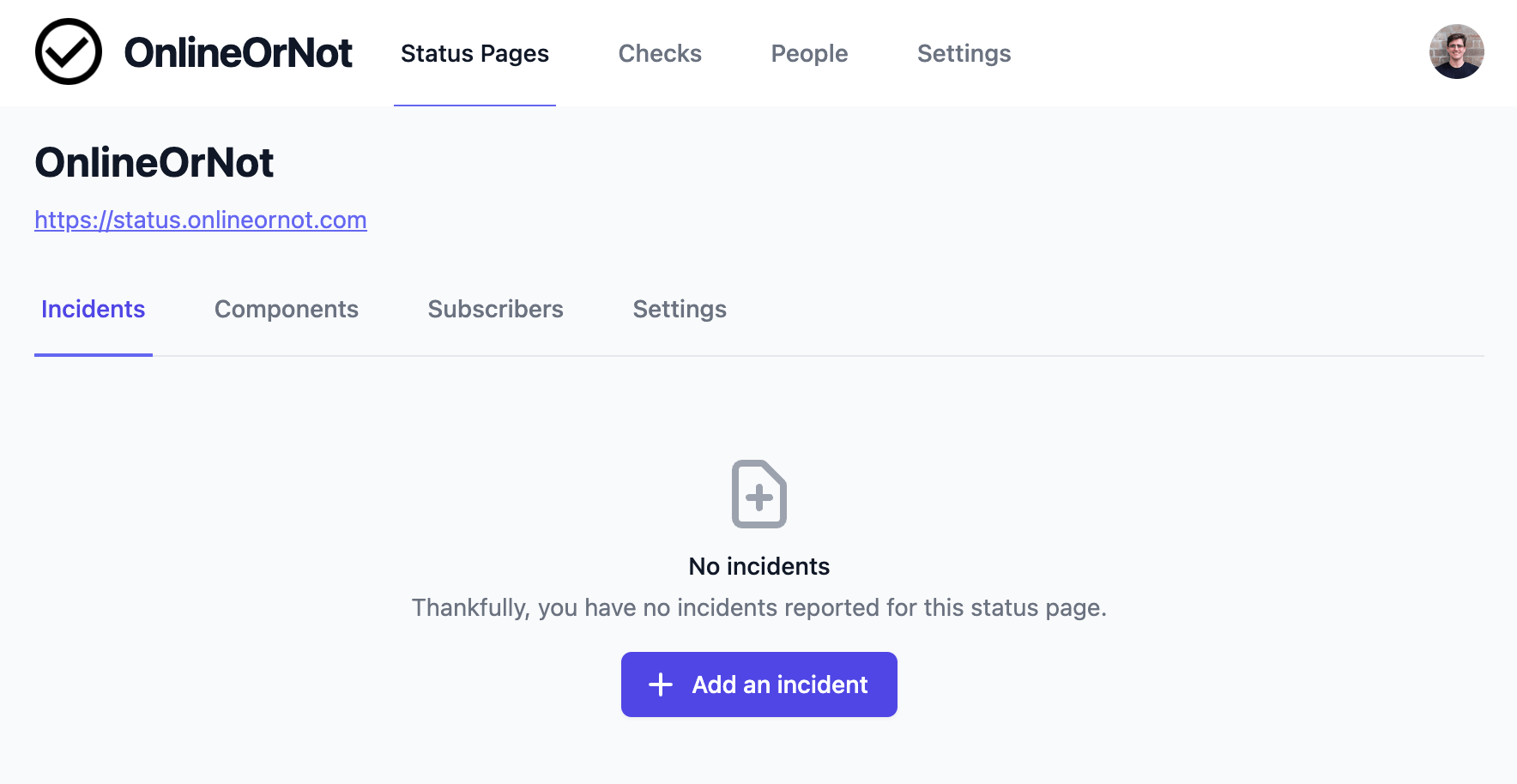
Click Status Pages in the top menu
-
Click on your status page
-
Click Add an incident
-
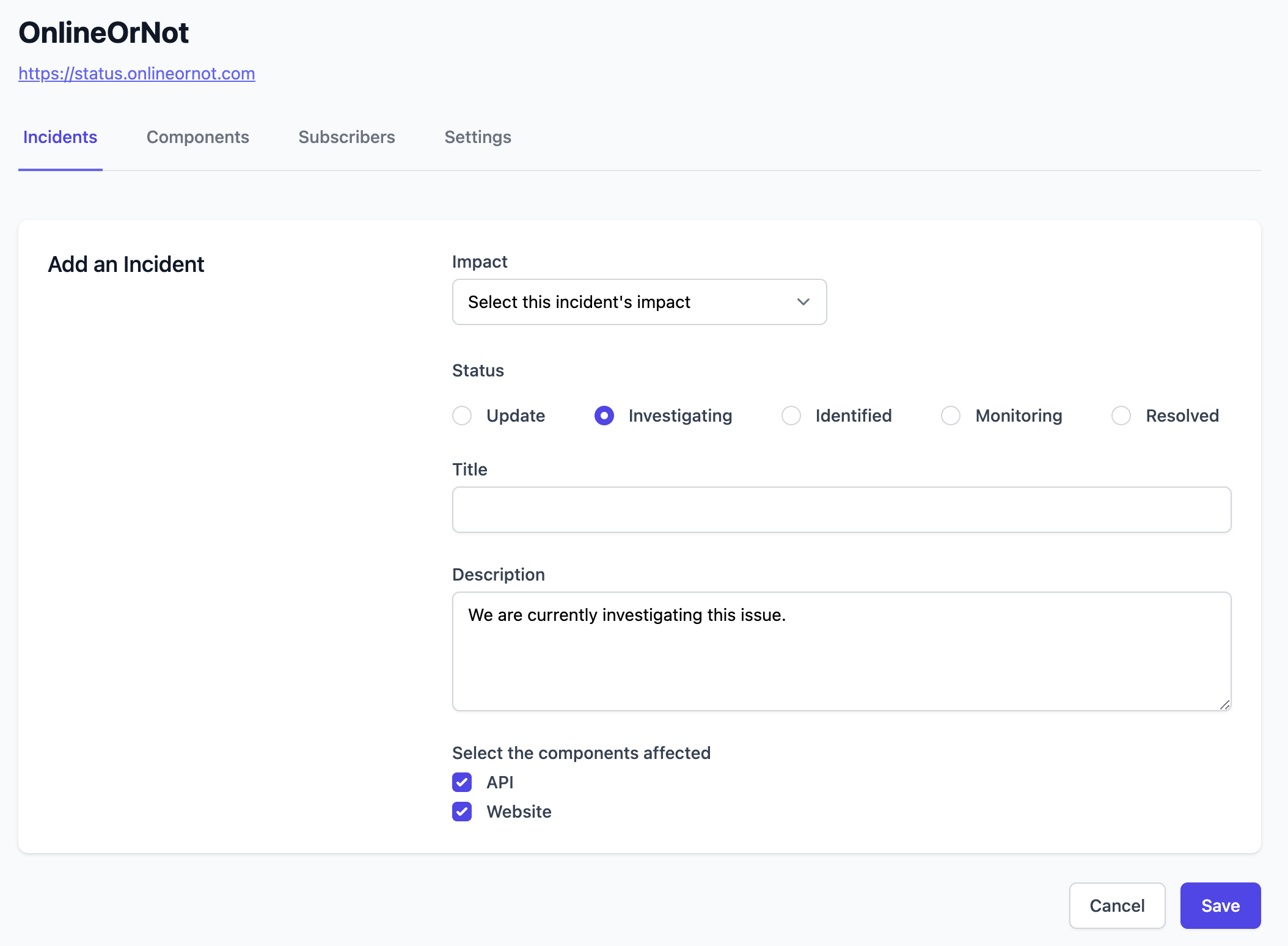
Fill in the incident details:
Update an incident
-
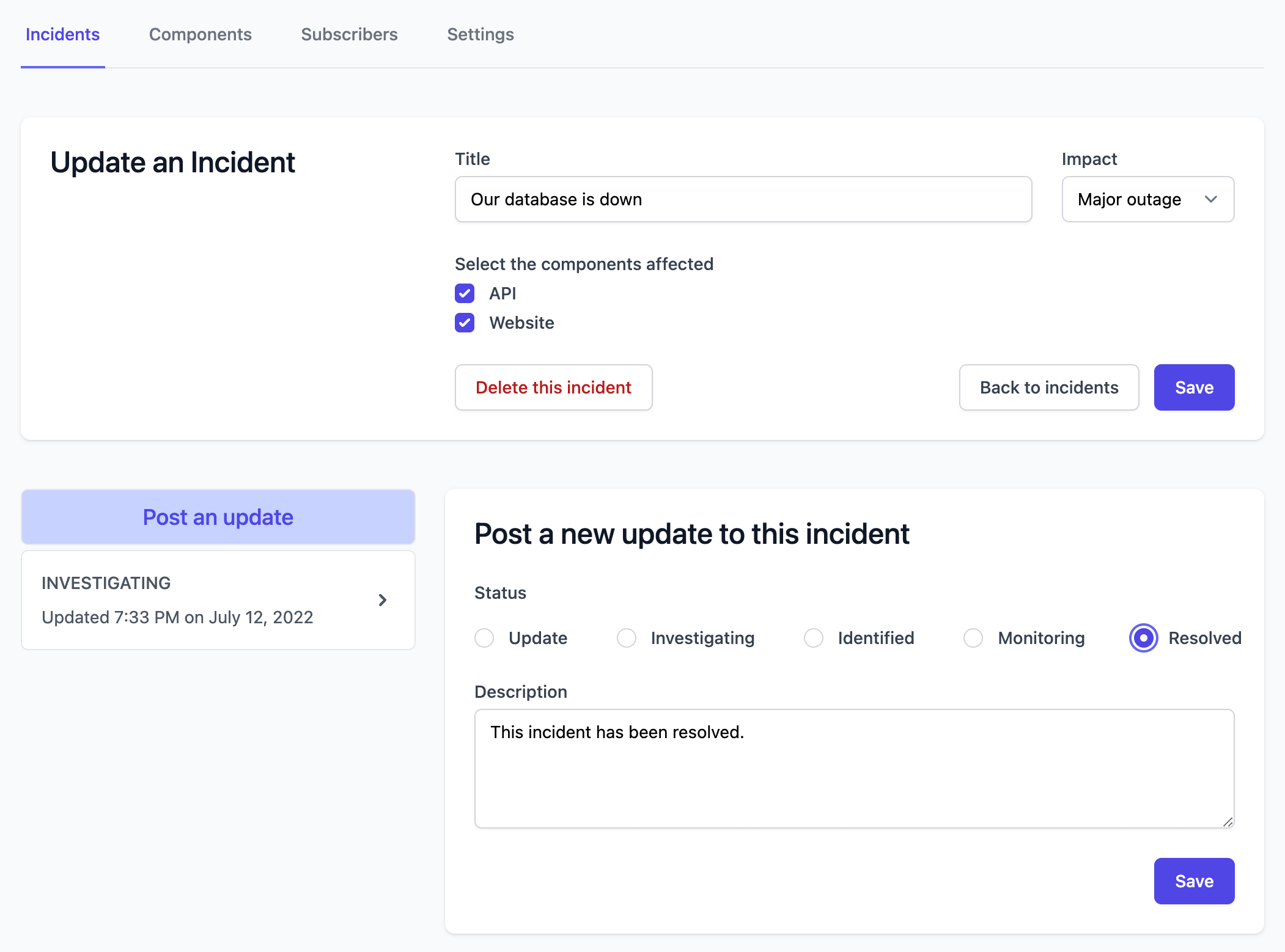
Click into your incident from the incident list
-
Add an update:
Resolve an incident
Add an update with a "Resolved" status to end the incident.