Uptime Monitoring
Pause and resume uptime checks
Pause checks during planned maintenance to avoid false alerts.
Pause a check
-
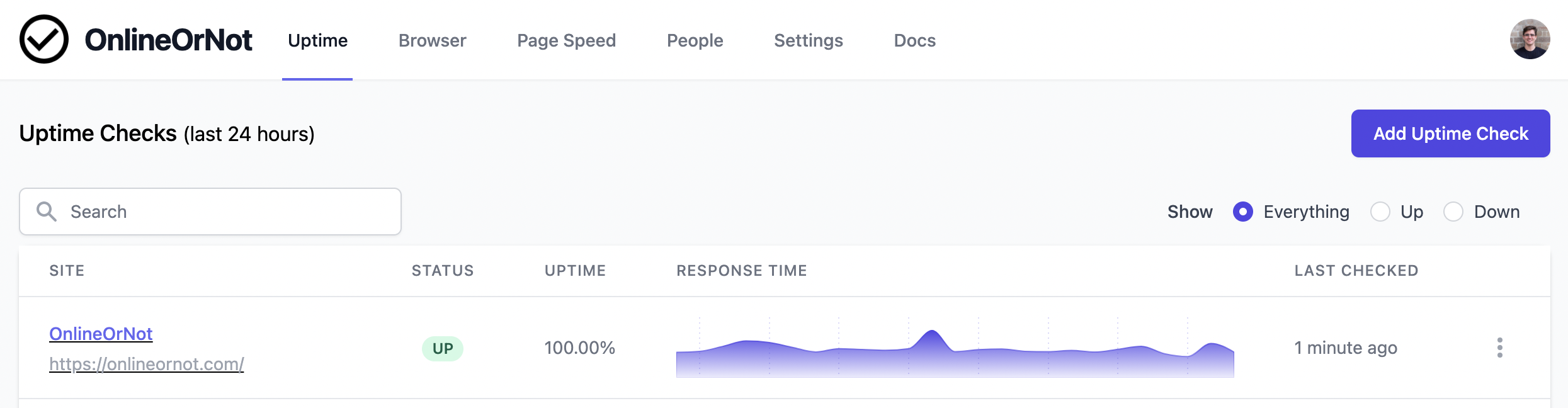
Go to the Uptime checks dashboard
-
Click on the monitor you want to pause
-
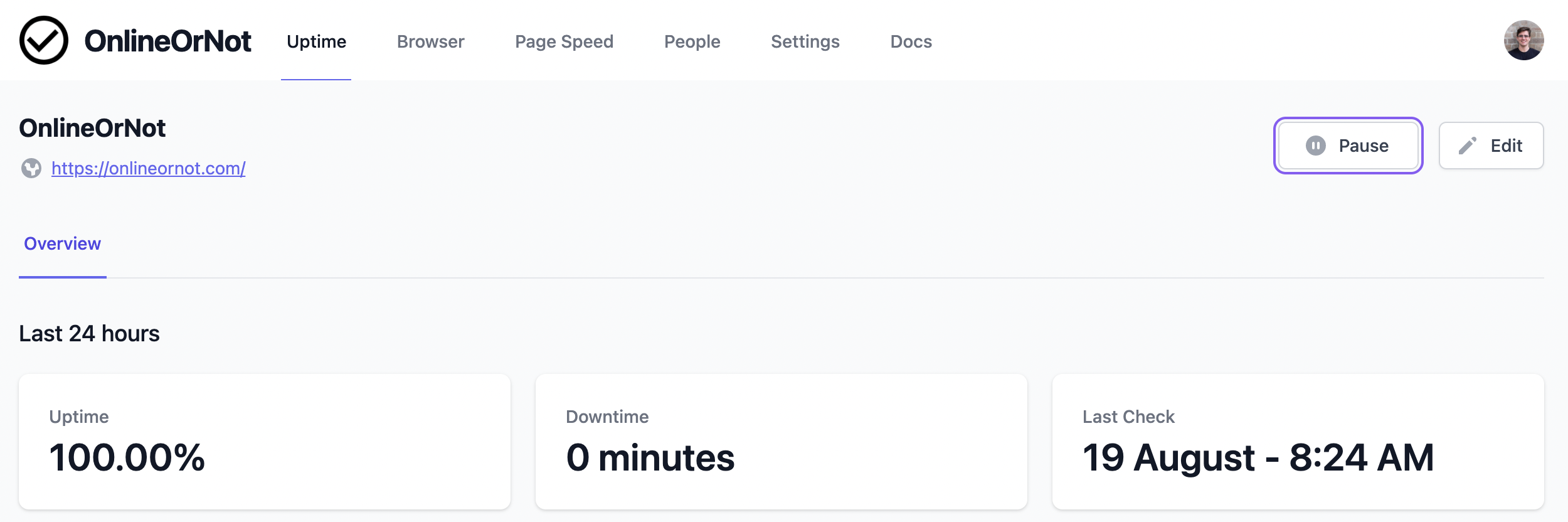
Click the "Pause" button
Resume a check
-
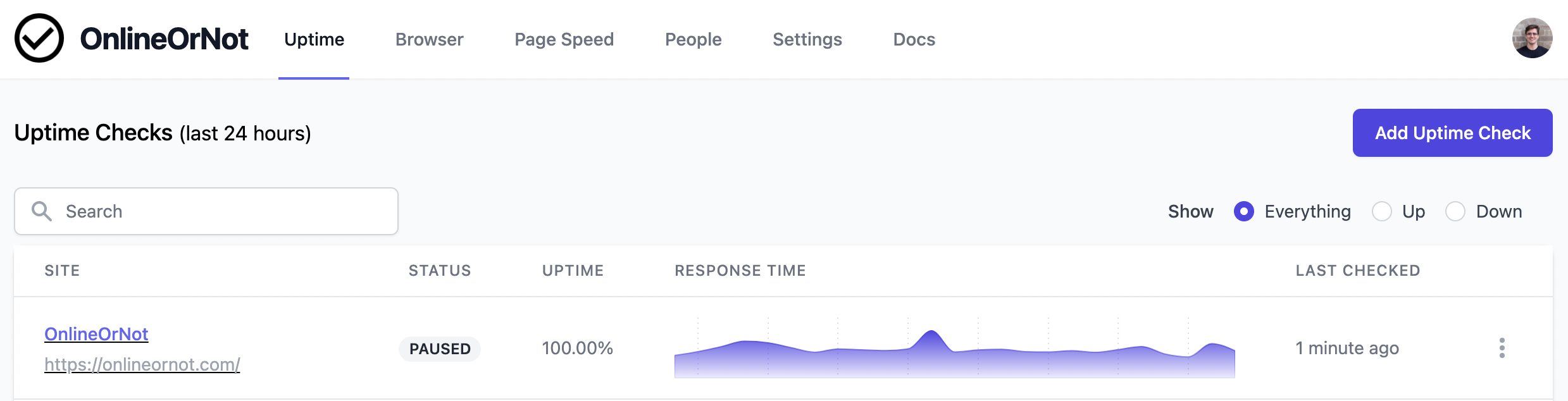
Go to the Uptime checks dashboard
-
Click on the paused monitor
-
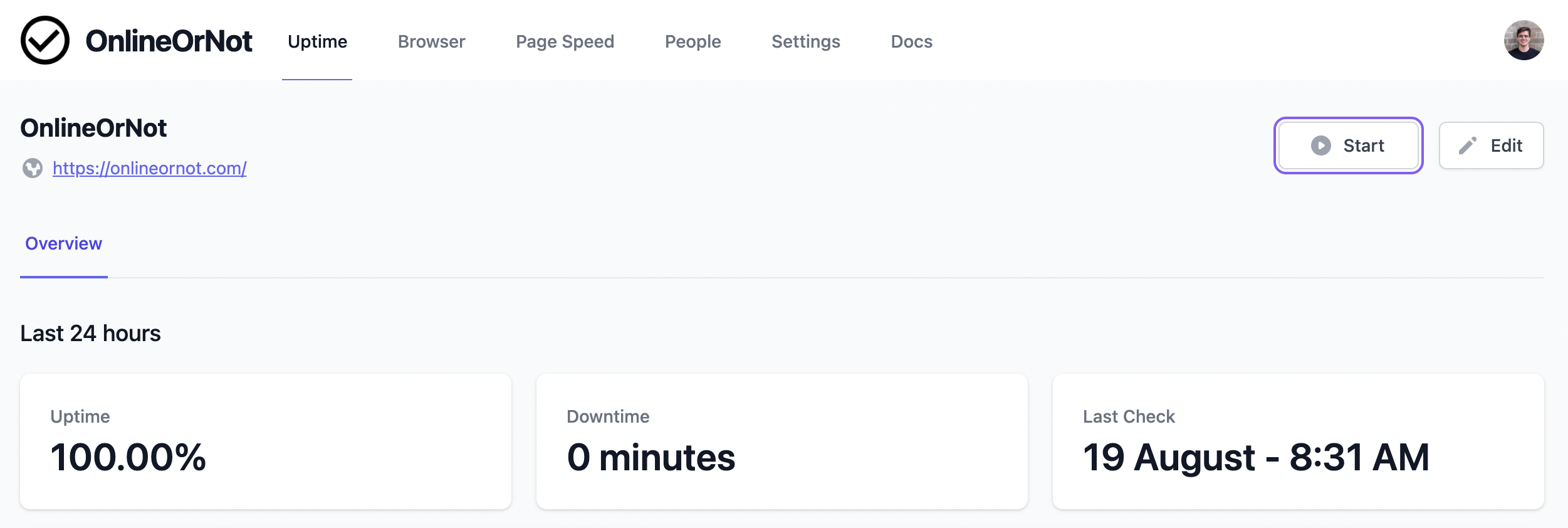
Click the "Start" button
Things to know
- Paused checks still count toward your plan's limit
- Paused checks won't alert you (they're not running)
- If a check had an active incident when paused, the incident won't end until the check resumes and passes