Integrations
Integrate with Spike.sh
This is a feature of the Pro plan.
Prerequisites
Set up an uptime check first.
Configure Spike
-
In Spike, click Integrations > New integration
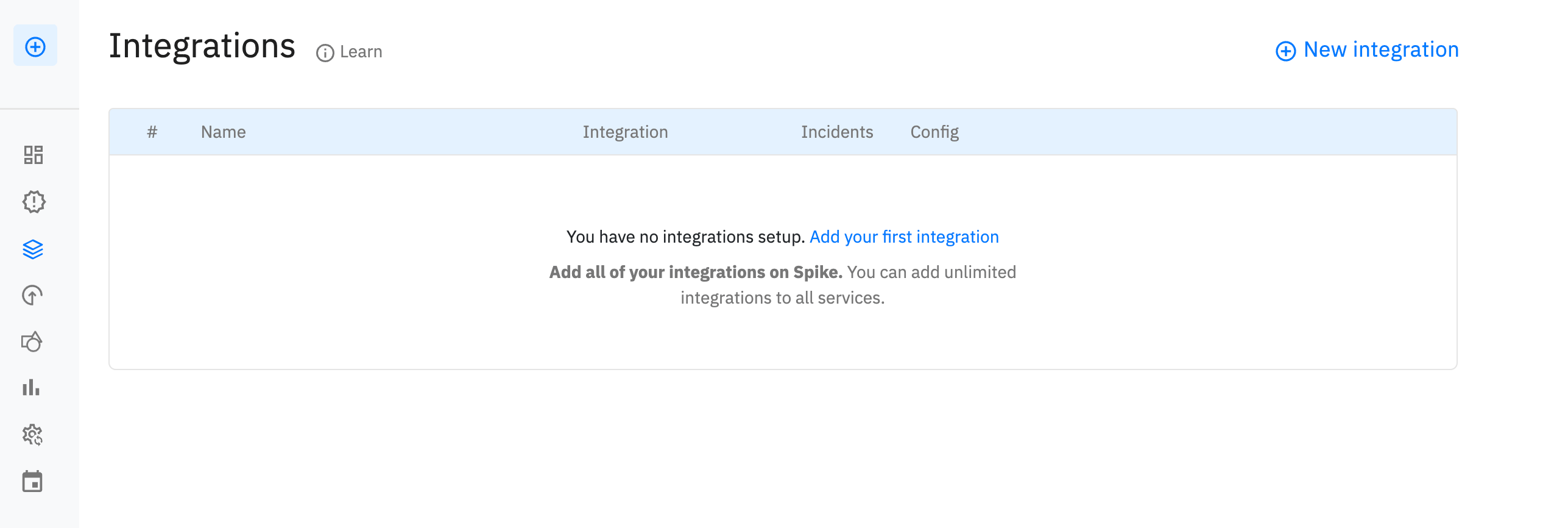
-
Select webhook and click Next

-
Name the integration (e.g., "OnlineOrNot") and click Create Integration
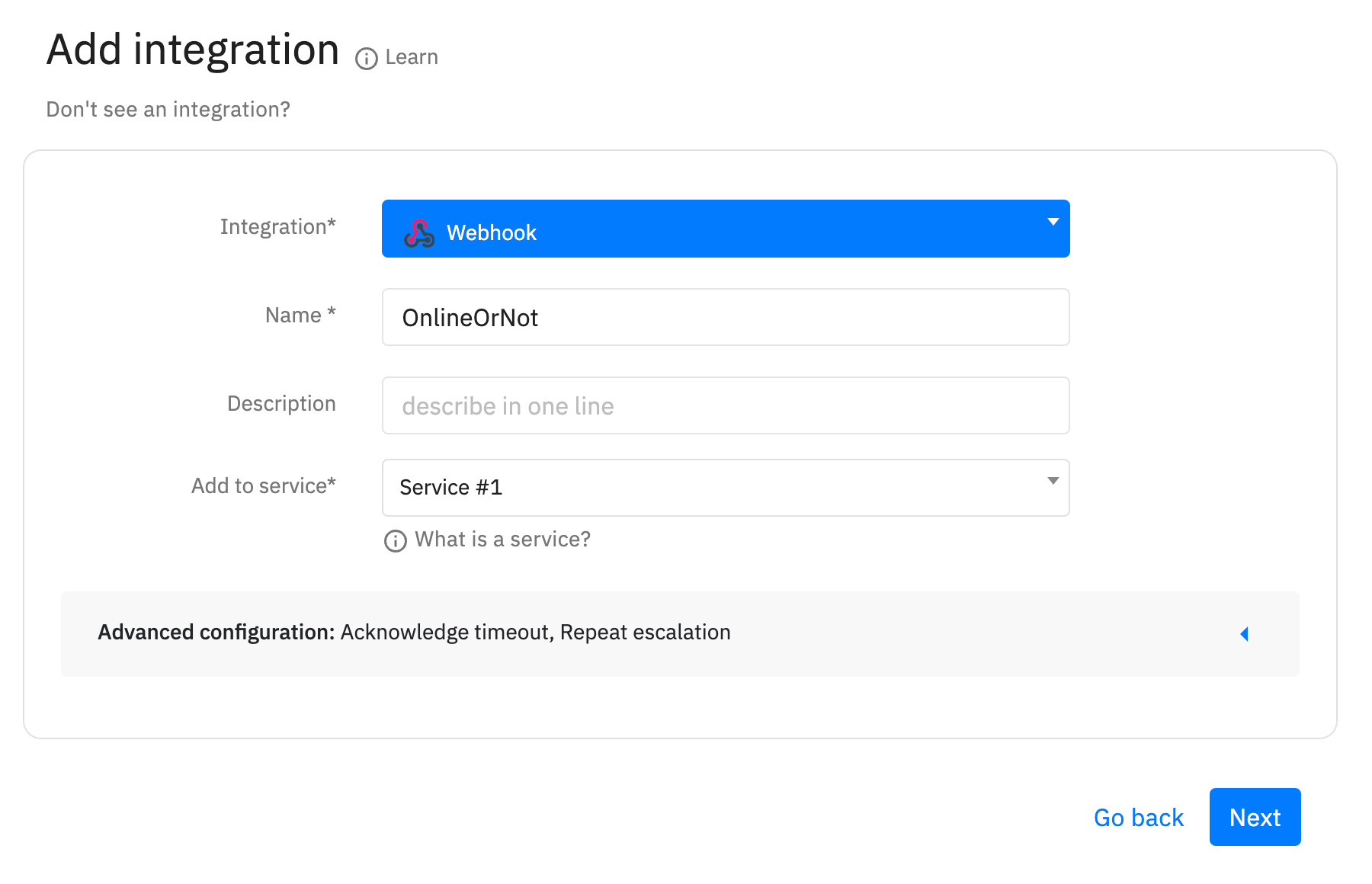
-
Select an escalation policy
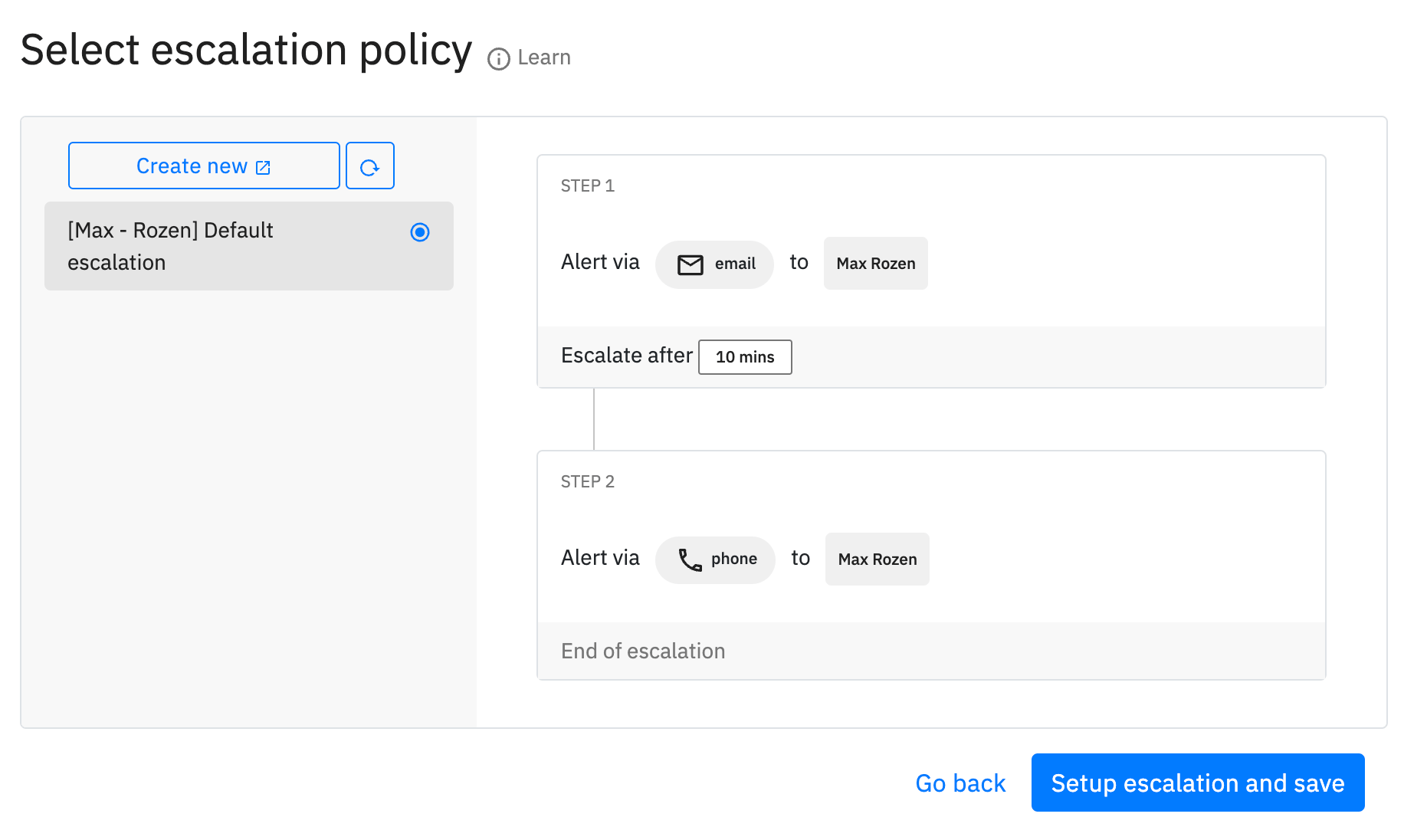
-
Click Copy webhook and copy the URL
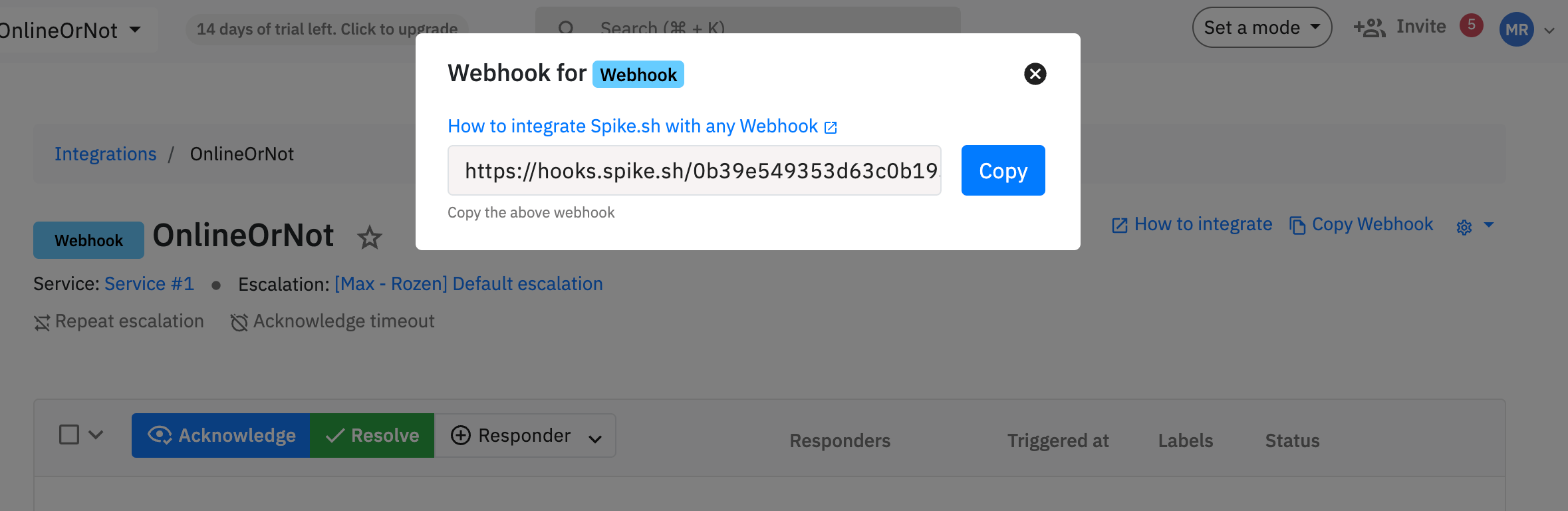
Configure OnlineOrNot
-
Edit your uptime check
-
Scroll to Alert Settings
-
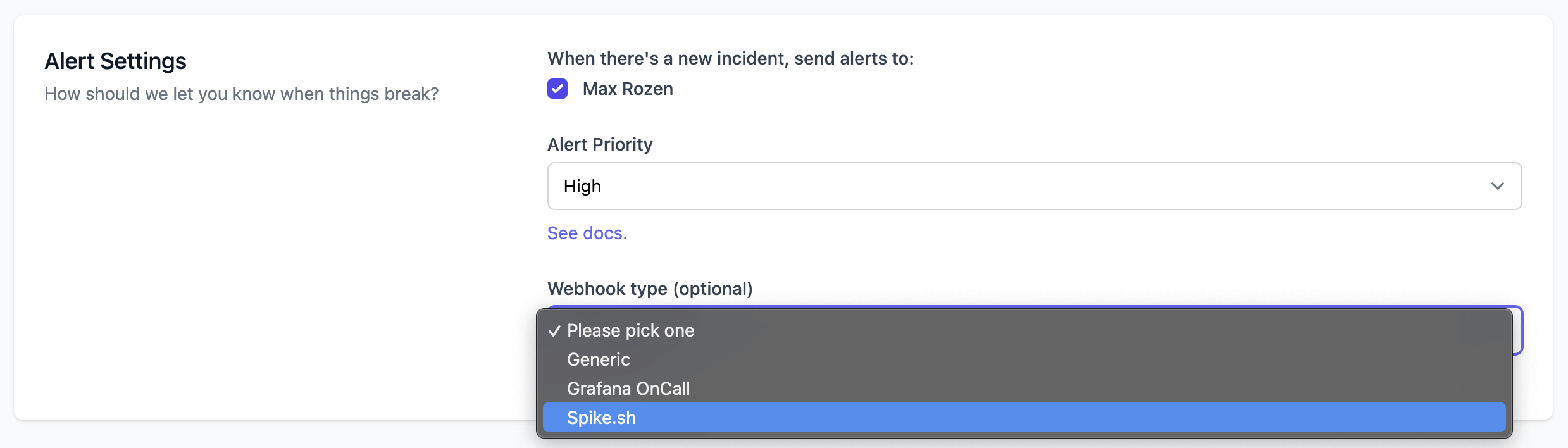
Under Webhook type, select Spike.sh
-
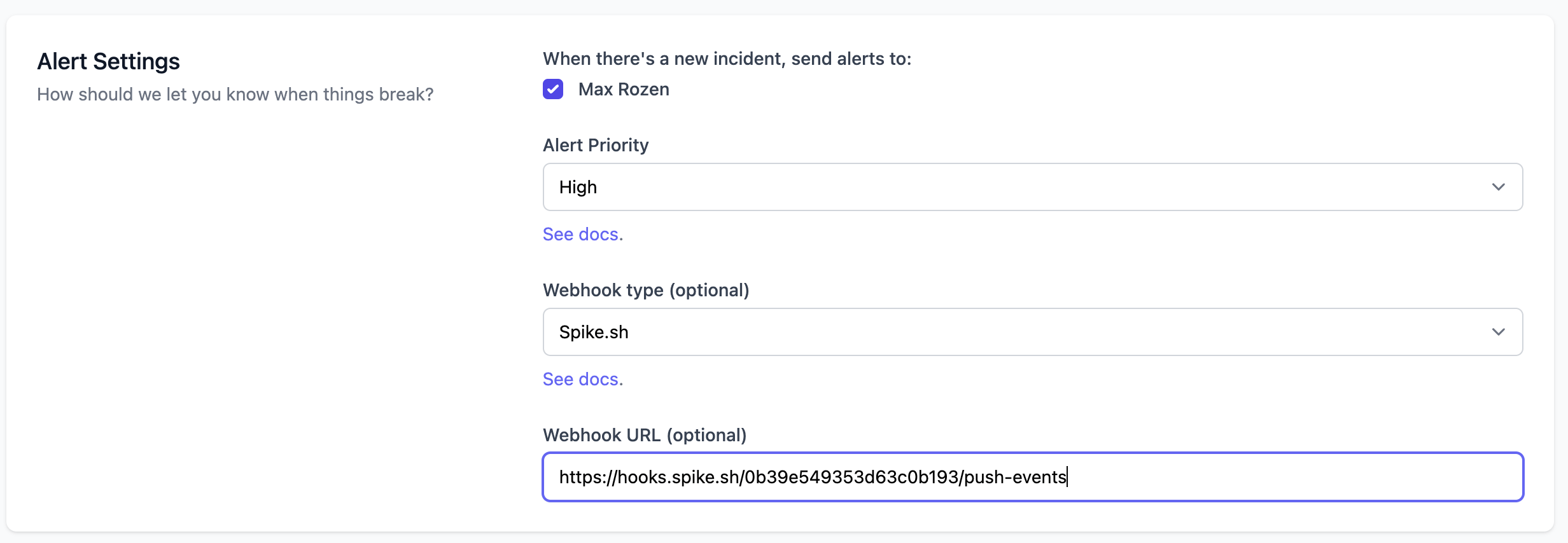
Paste the webhook URL
-
Click Update