Integrations
Integrate with incident.io
This is a feature of the Pro plan.
Prerequisites
Set up an uptime check first.
Configure incident.io
-
Navigate to Alerts > Sources > Connect an alert source
-
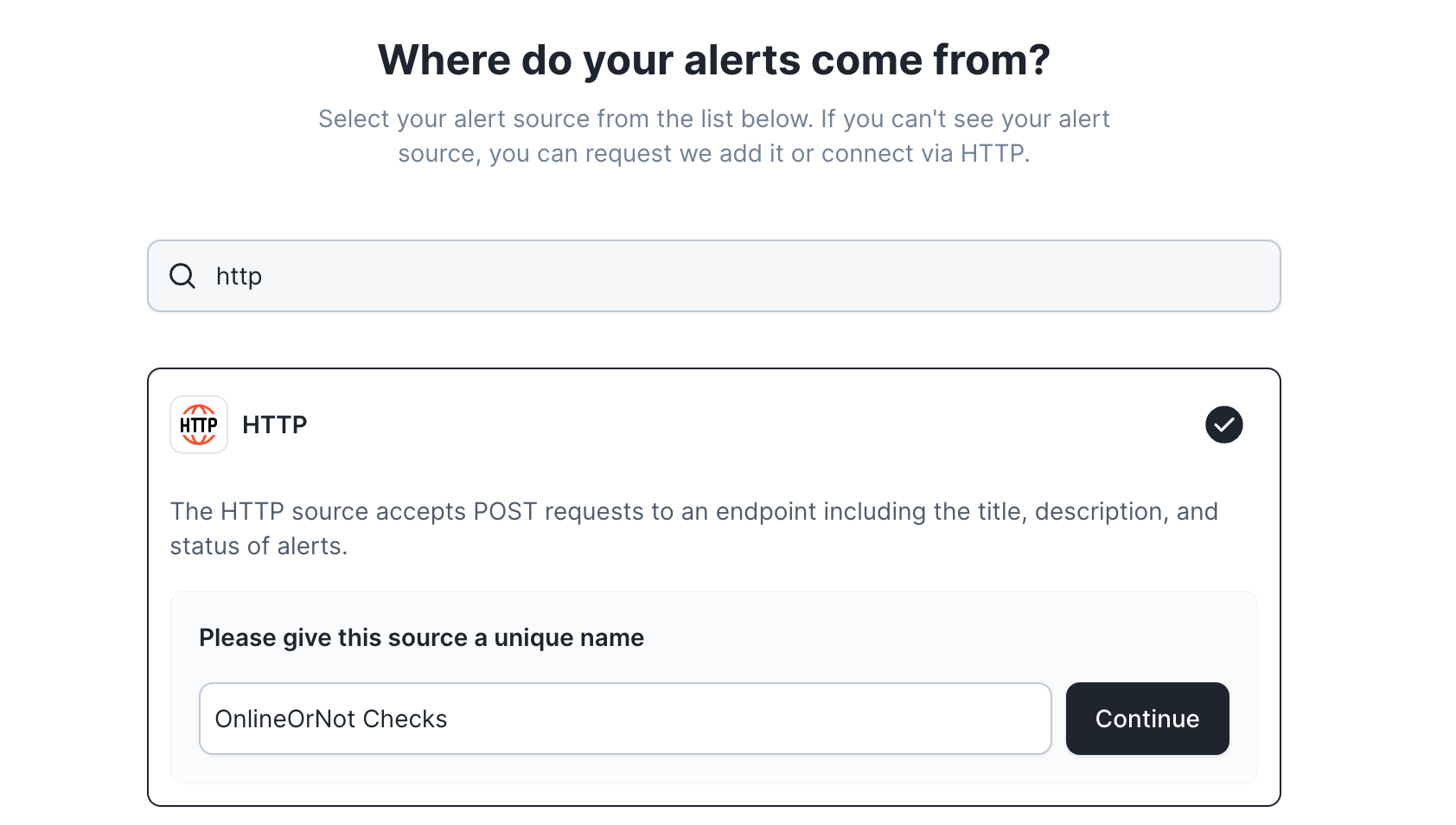
Search for HTTP and click the card
-
Enter a source name
-
Click Continue
-
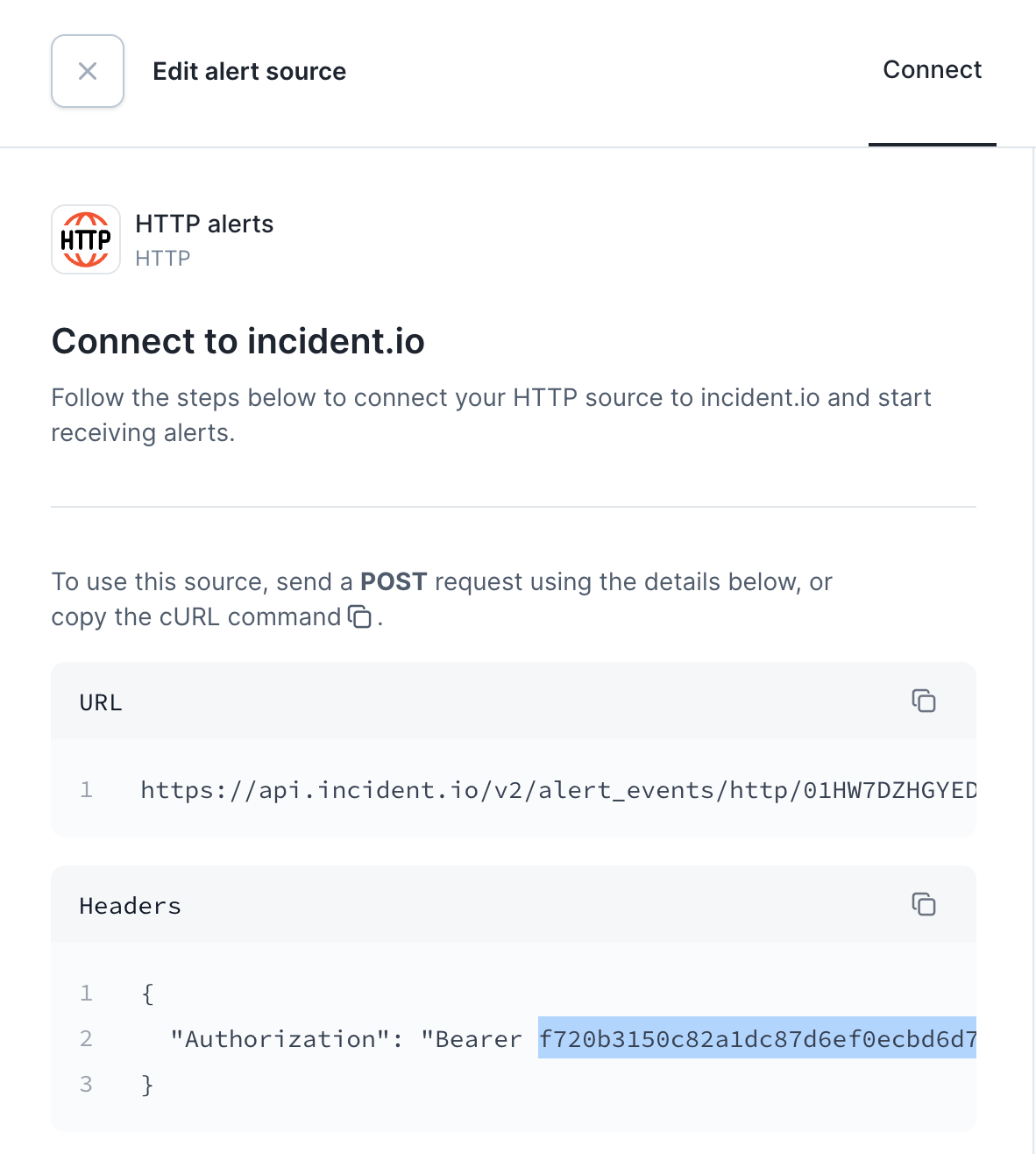
Copy the alert source URL and bearer token
Configure OnlineOrNot
-
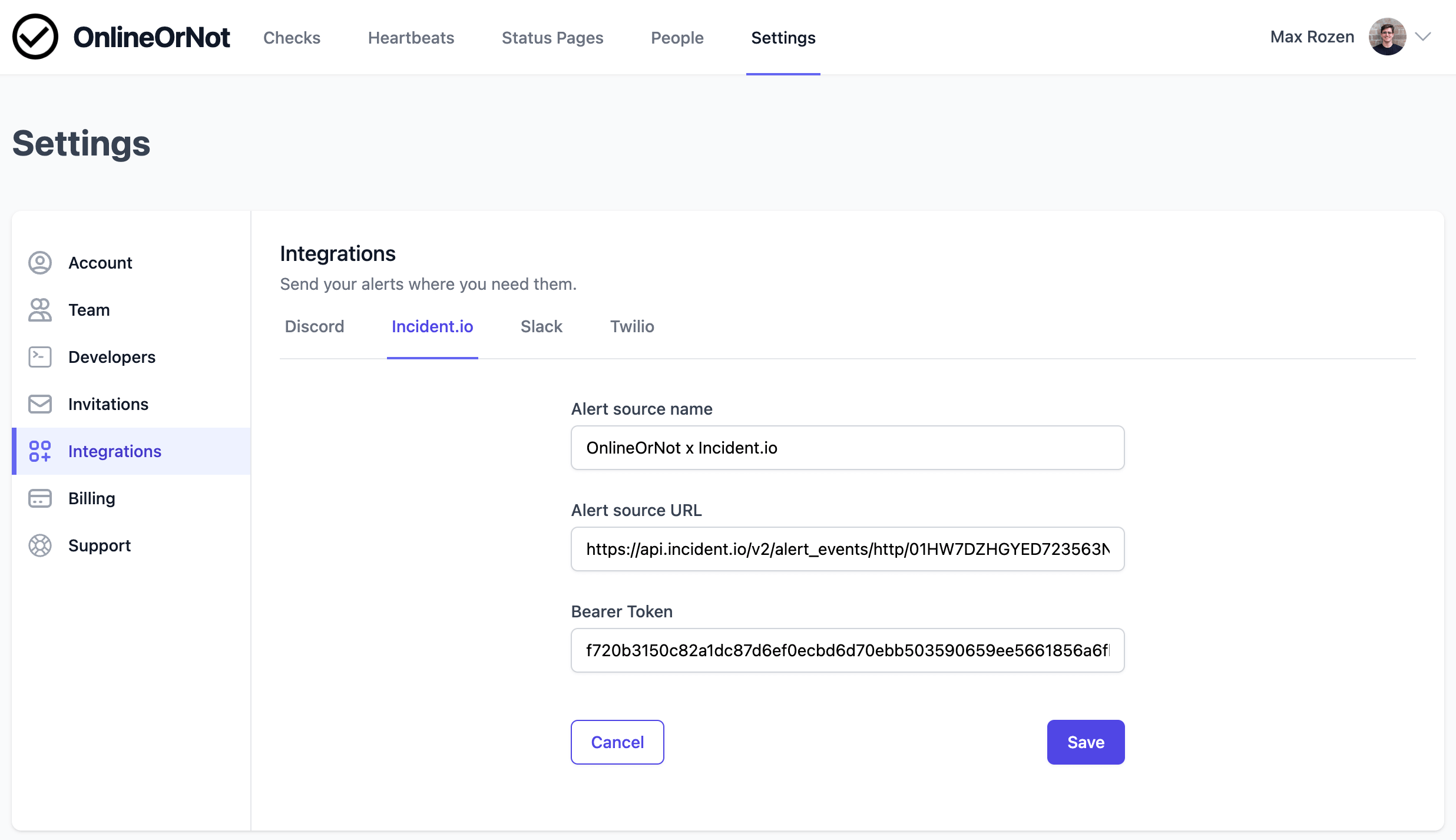
Navigate to Settings > Integrations > Incident.io
-
Click Add to Incident.io
-
Enter a name and paste the URL and token
-
Click Save
Test the integration
Click Send test "down" alert:
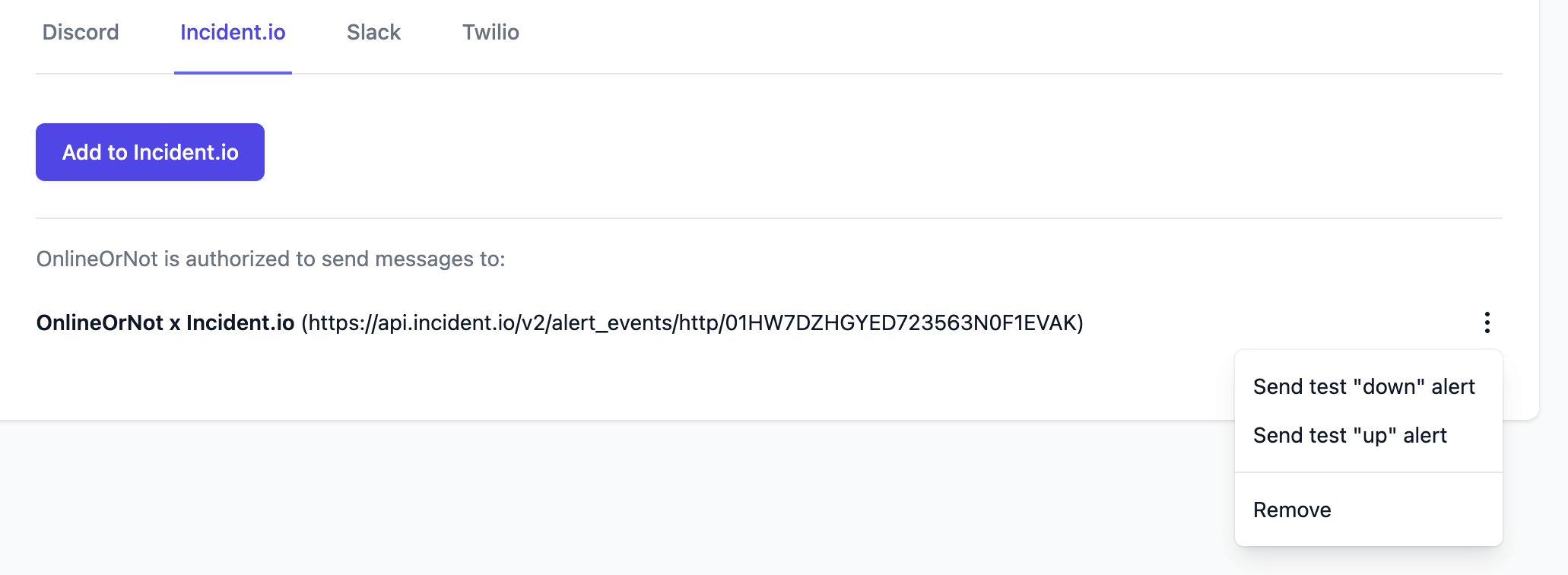
In incident.io, you should see:
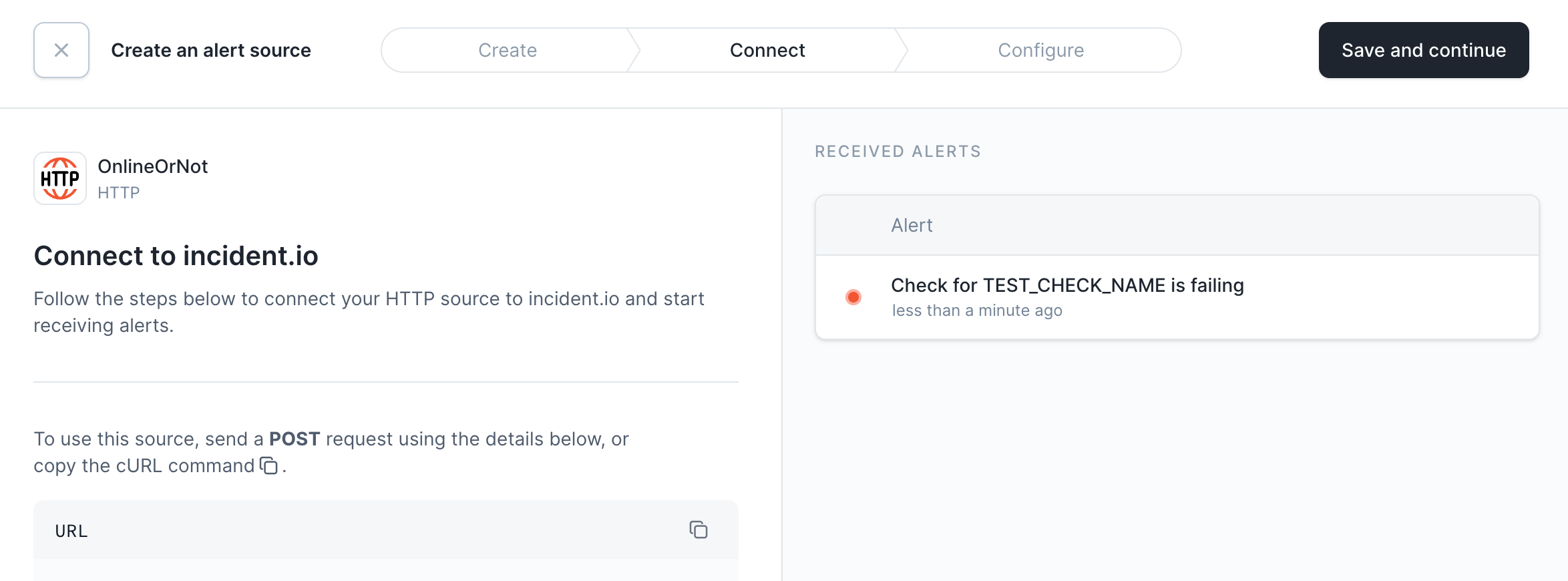
Click Save and continue. Optionally configure custom attributes, then close the configuration screen.
Your OnlineOrNot alert source is now ready for alert routing and automatic incident creation.