Integrations
Configure Cloudflare for OnlineOrNot
Sites using Cloudflare may trigger false positives (reporting DOWN when actually UP). Here's how to fix common issues.
Add a firewall rule
-
In Cloudflare, open your website's dashboard
-
Navigate to Firewall in the top menu
-
Add a filter: User agent > contains >
OnlineOrNot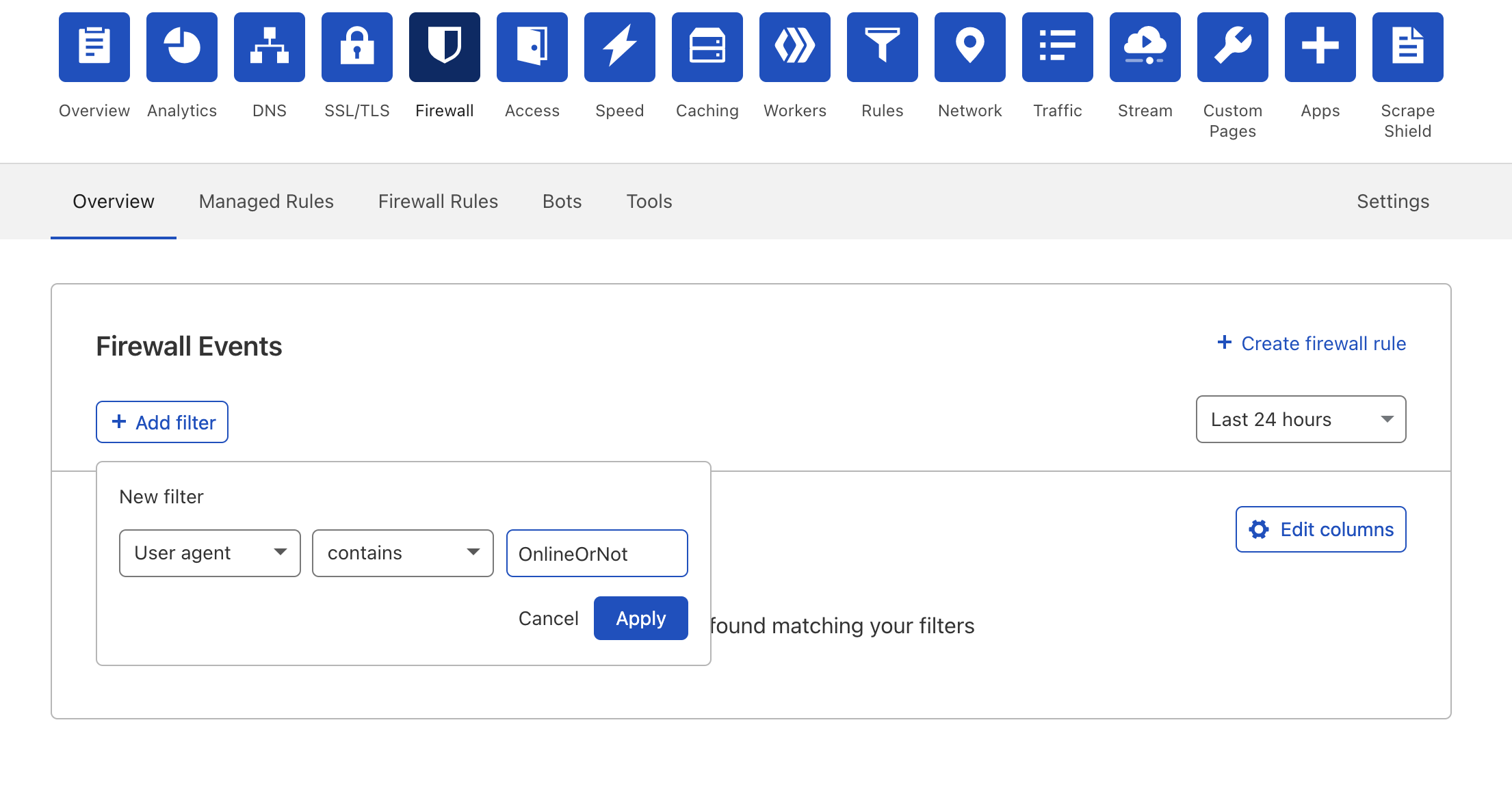
Disable Bot Fight Mode (if needed)
Bot Fight Mode can block OnlineOrNot, causing your checks to report DOWN.
Cloudflare Pro users: Add an exception for OnlineOrNot in Bot Fight Mode settings.
Cloudflare Free users: The only workaround is to disable Bot Fight Mode.